
logotype
Our Sales team will contact you after filling out the form.
Your role
By clicking “Submit” I acknowledge receipt of the IceWarp Privacy Policy.

Cookie anyone?

We use cookies to personalise content and ads, to provide social media features and to analyse our traffic. You consent to our cookies if you continue to use our website. learn more

Harmonizing IceWarp with the Microsoft ecosystem
Microsoft Ecosystem
icon
Desktop Suite — email and collaboration on your desktop
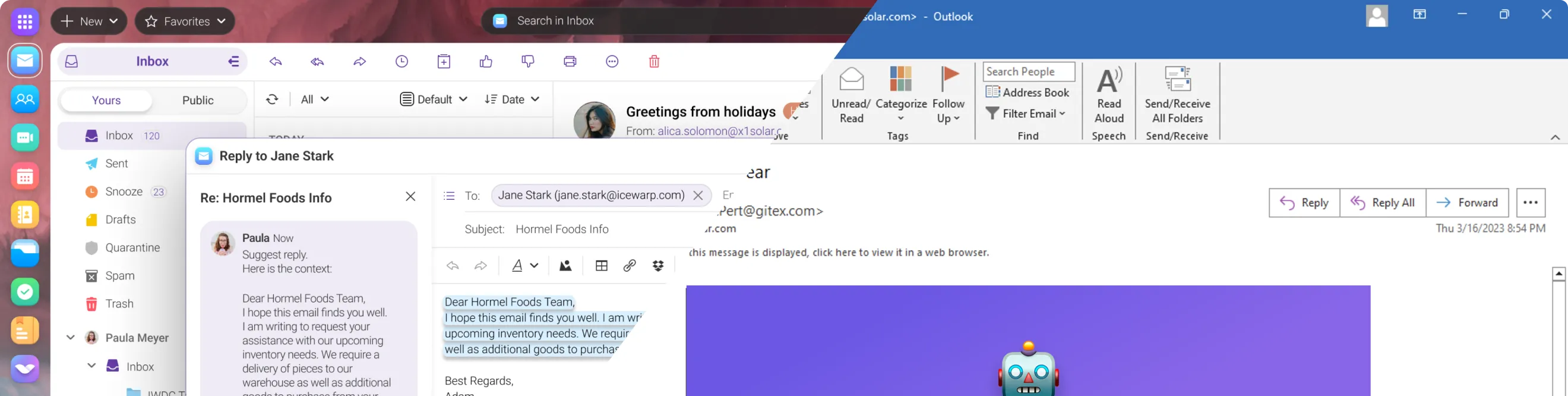
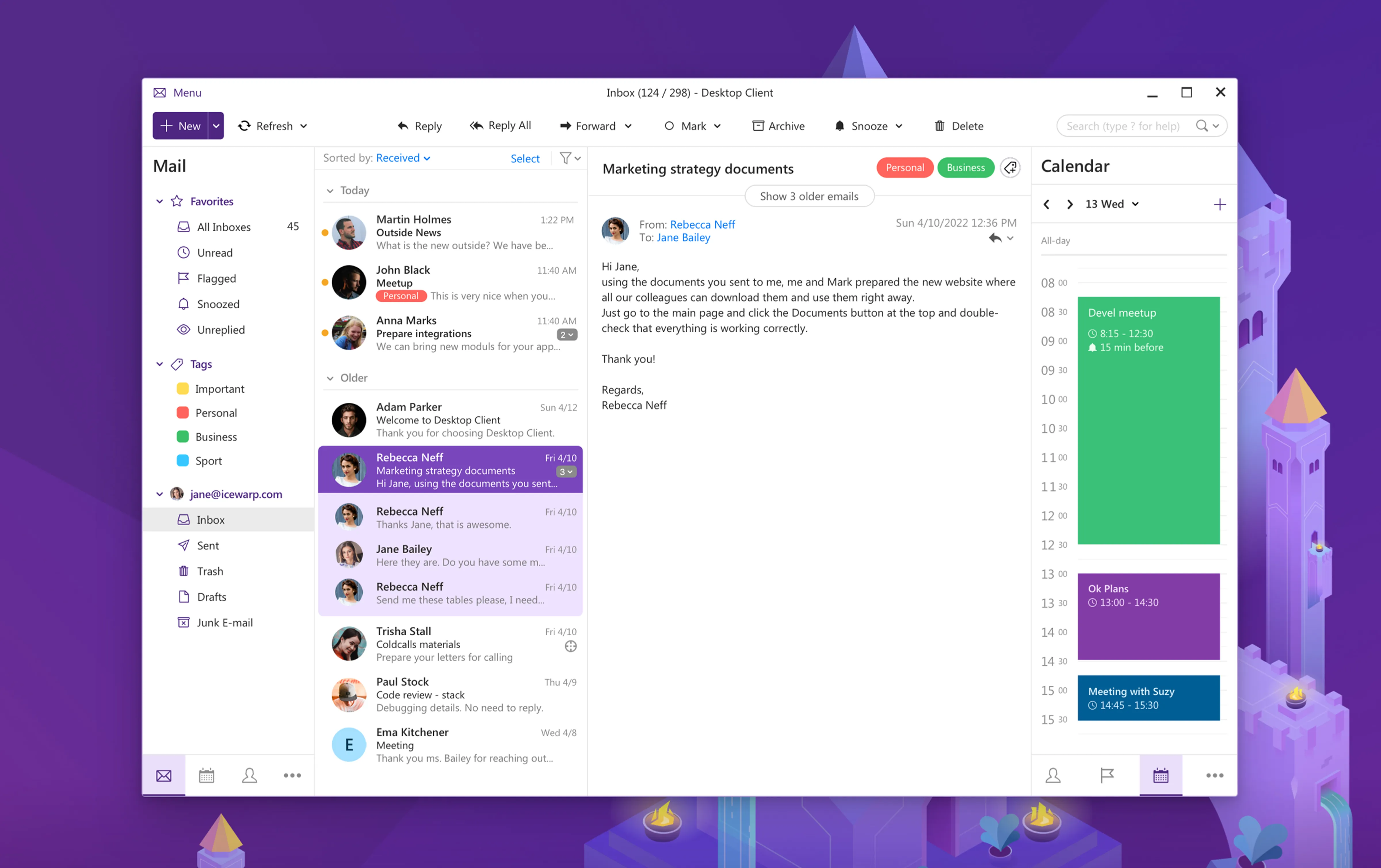
Experience IceWarp Desktop Suite and manage email, contacts, calendars, tasks, notes, chat, and conferences—all from your desktop. Stay in sync with your Microsoft setup thanks to support for IMAP, CalDAV, WebDAV, and EWS. Built for both online and offline work, and fully compatible with hybrid Microsoft 365 environments.
outlook-desktop view-icon
icon
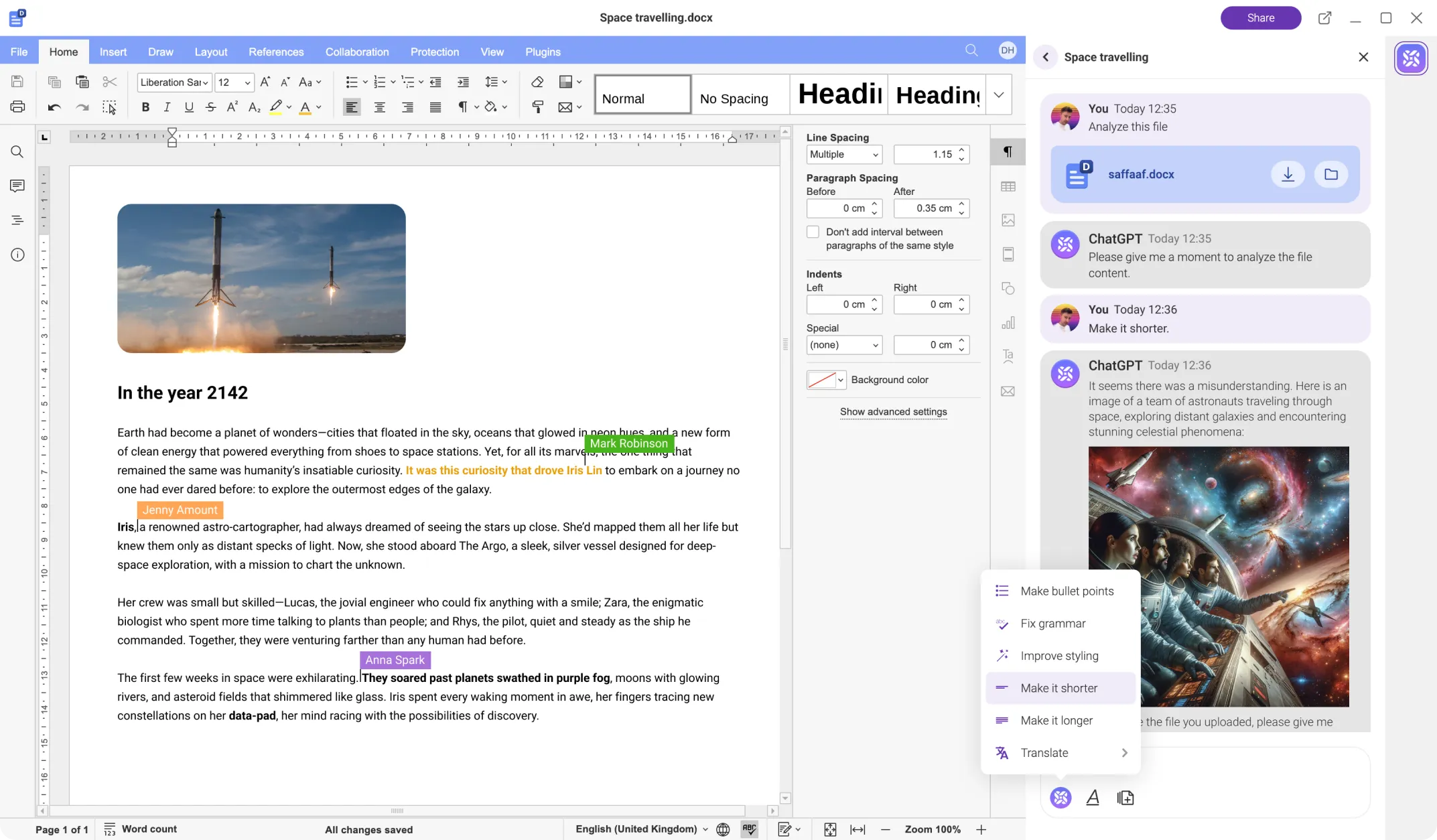
Compatibile with Microsoft Office formats
Create and edit documents in IceWarp with full compatibility for Microsoft Word, Excel, and PowerPoint formats. Using the trusted Open XML standard, files transfer seamlessly between IceWarp and Microsoft Office. Open, edit, and share your documents without any loss of content or formatting. Collaborate smoothly across platforms—anytime, anywhere.
outlook-desktop view-icon
icon
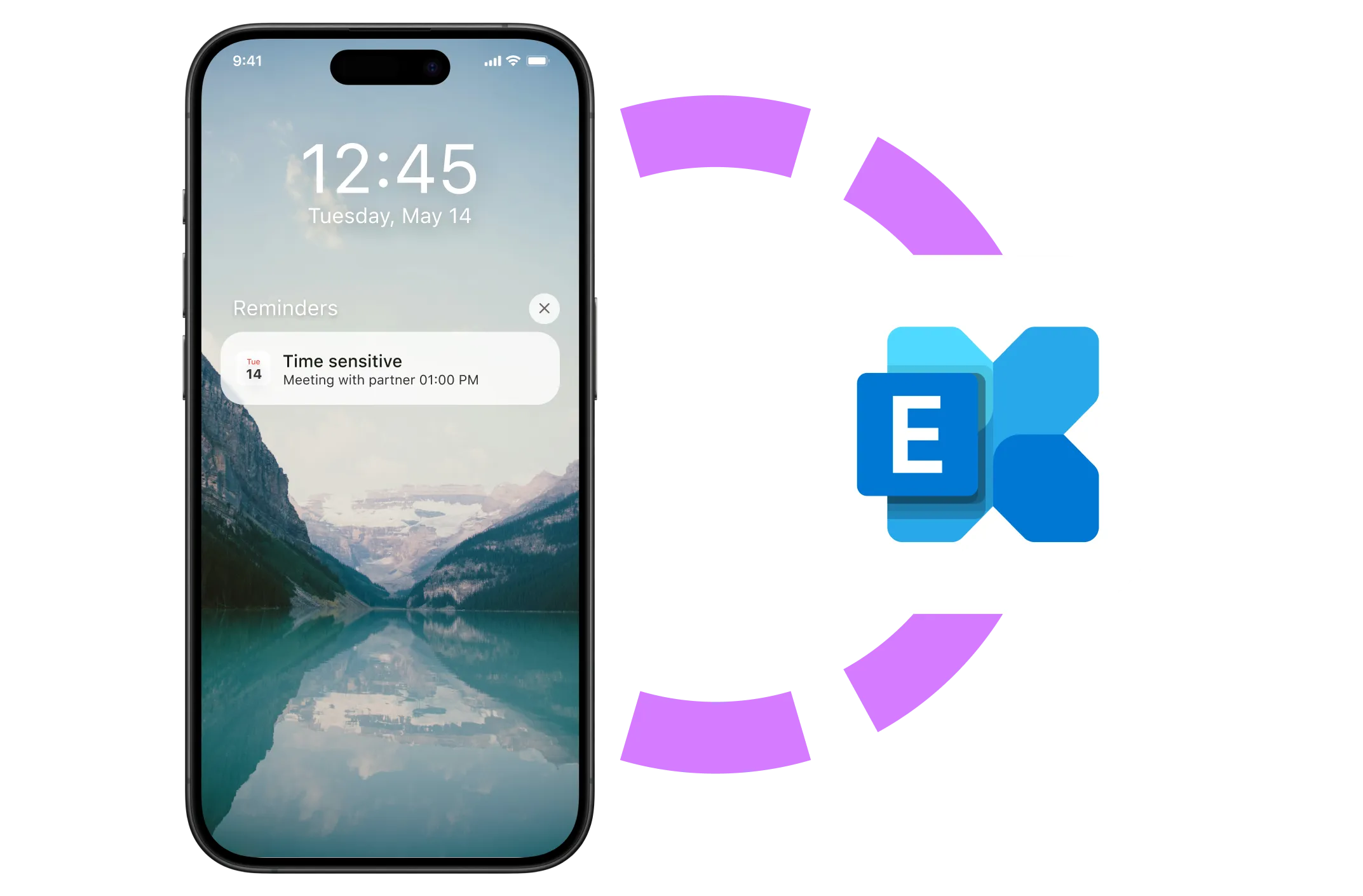
Mobile sync via Exchange ActiveSync
Synchronize quickly and securely between your email and mobile devices with native Exchange ActiveSync integration. Compatible with both iOS and Android. Simply add an Exchange account on your phone, and your data stays automatically up to date.
outlook-desktop
icon
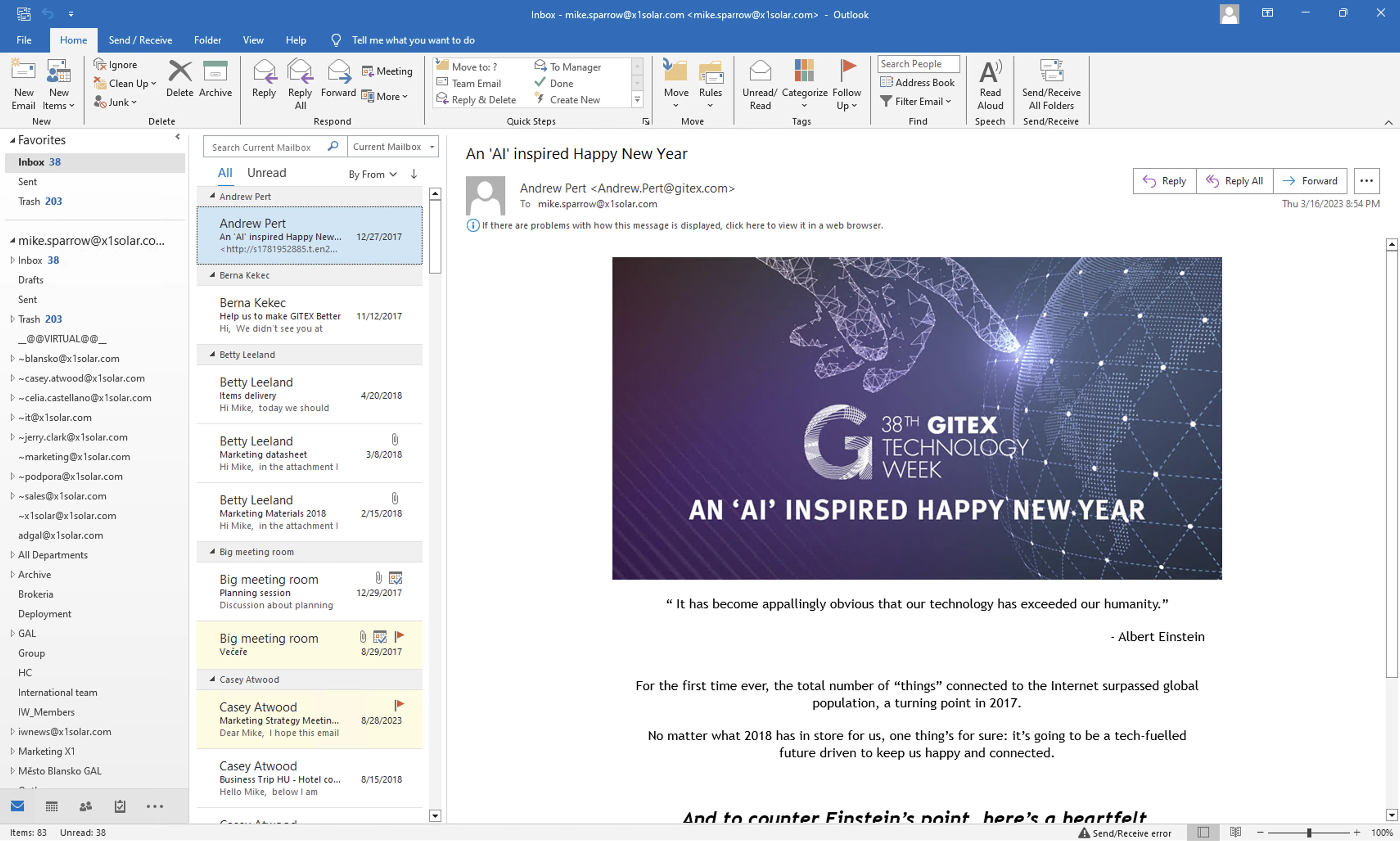
Sync to Outlook
Sync your email, calendar, tasks, and notes from Outlook (supported up to version 2021) to IceWarp with our OutlookSync integration. For older versions, use the IceWarp Desktop Client to ensure seamless syncing. Enjoy the flexibility you need and the Outlook experience you know—enhanced by the power of IceWarp.
outlook-desktop view-icon
icon
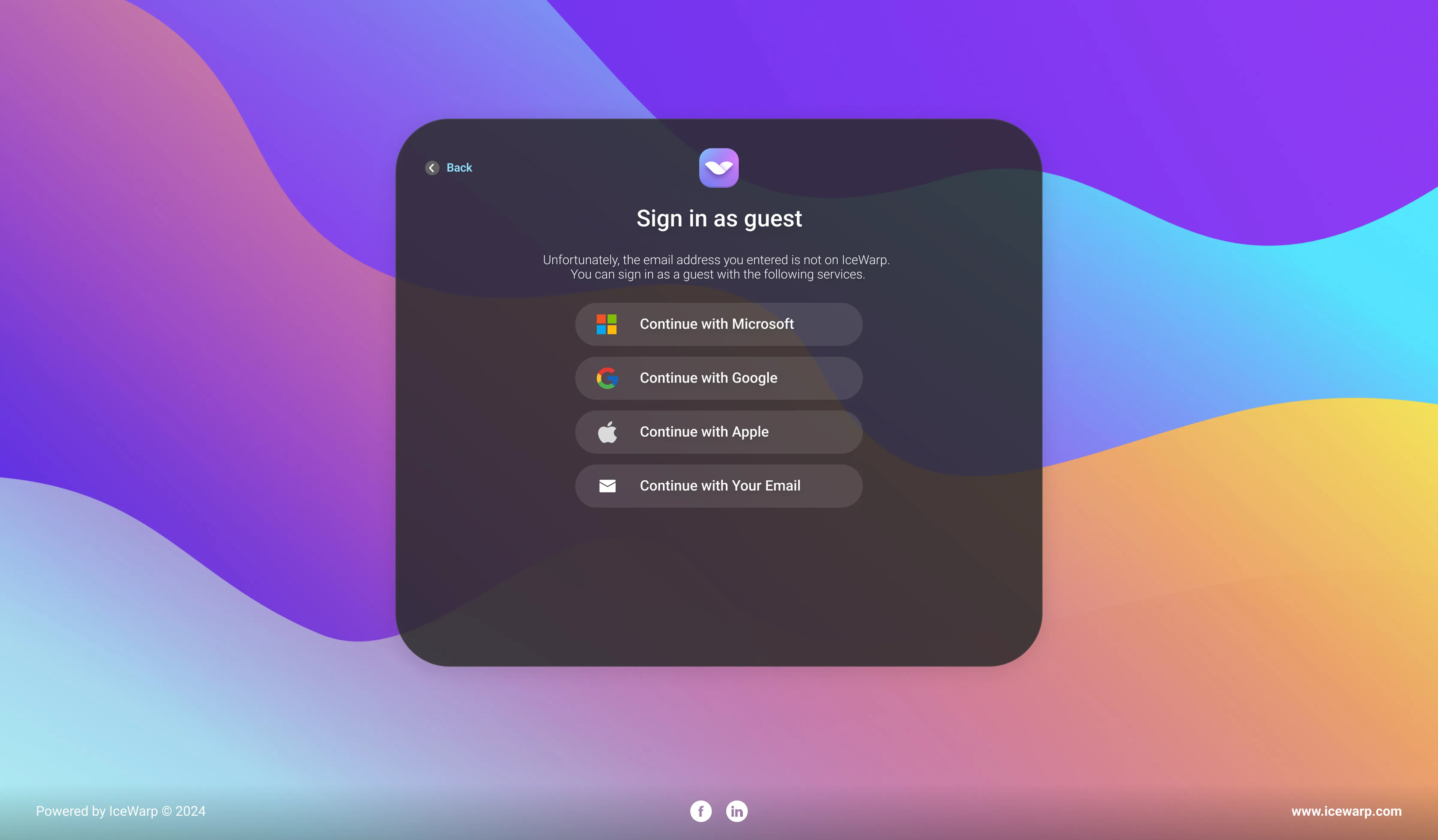
Use guest access & share folders securely
Log in to IceWarp with your Microsoft account and start collaborating—whether you're editing documents or chatting in TeamChat. No extra passwords needed. Share files or entire folders securely with external guests. OAuth 2.0 and OpenID Connect ensure safe access with support for two-factor authentication.
teamchat view-icon
icon
User management with Active Directory
Make user and group management easy with Active Directory integration. Changes made in AD—such as adding or removing users—are automatically synced to IceWarp, keeping your data up to date without manual effort. Customize sync settings and intervals to fit your organization’s needs
Learn more
icon
Save costs — hybrid setup with Microsoft 365
Use IceWarp and Microsoft 365 side by side on one domain in a hybrid setup. Allocate users based on their needs to optimize costs and balance features with your budget. Enjoy smooth communication and centralized management.
Learn more
icon
Compatible with Hyper-V
Set up IceWarp on Windows Server in just a few steps. Download the installer, launch the setup wizard, choose your components, and you’re ready to go.

Use built-in SQLite for small deployments or MySQL for larger ones. A preconfigured Hyper-V package makes virtualization simple. With fast setup and an intuitive admin interface, IceWarp gets you up and running in a few clicks.
Learn more
outlook-desktop-large