Our Sales team will contact you after filling out the form.


IceWarp brings essential tools together. Manage your inbox with ease—send, reply, format messages, and share attachments in just a few clicks. Speed up your work with ChatGPT-powered suggestions or share emails directly to TeamChat rooms. Switch between apps and pick up right where you left off.
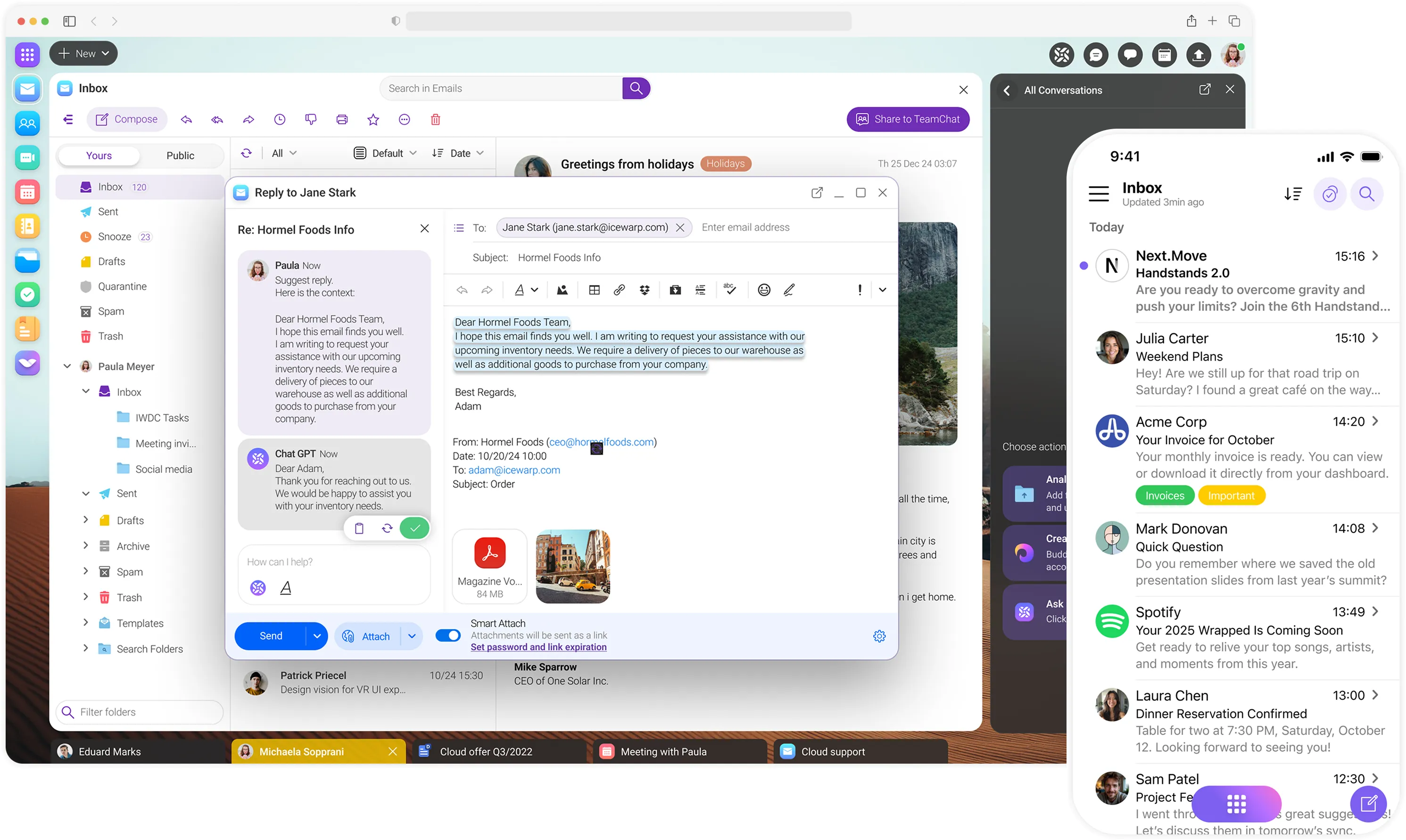

Speed up your email conversations with ChatGPT. Get reply suggestions, summarize threads, highlight key points, format text, and translate—right from your inbox.

Switch between apps easily— write an email, chat in TeamChat, or review documents. Pick up right where you left off on your desktop or iOS. Android coming in 2026.

Check your availability and see if you can accept a proposed meeting directly from the calendar timeline preview in your email invitation.

Smart Attach uploads large files, such as videos, to the cloud and adds a download link to your email—so they're delivered quickly without clogging inboxes.

Chat in group or project rooms, share files, mention teammates, and pin key messages to keep everyone aligned. Share emails to TeamChat and collaborate in a single thread—one solution that brings all your team conversations together.
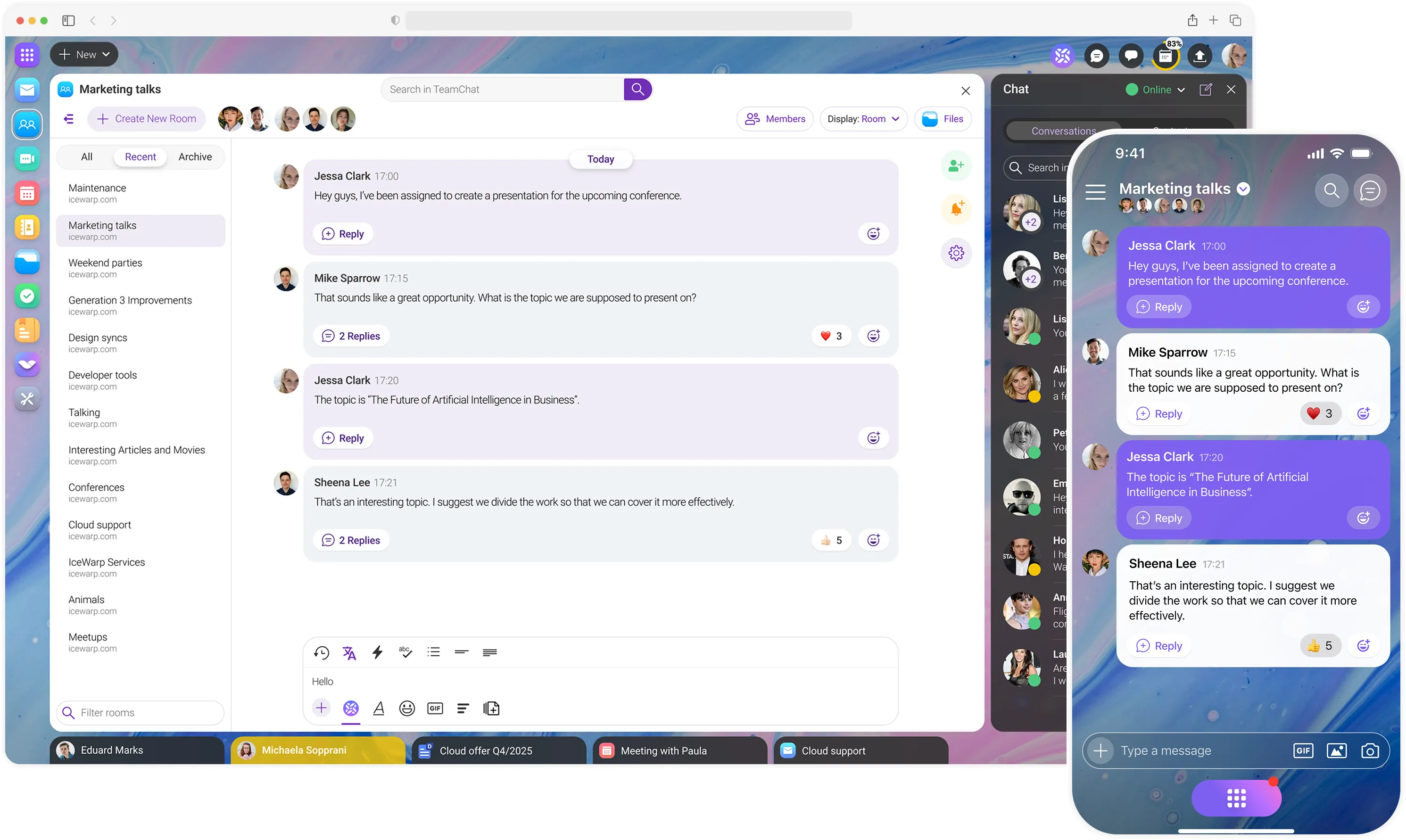

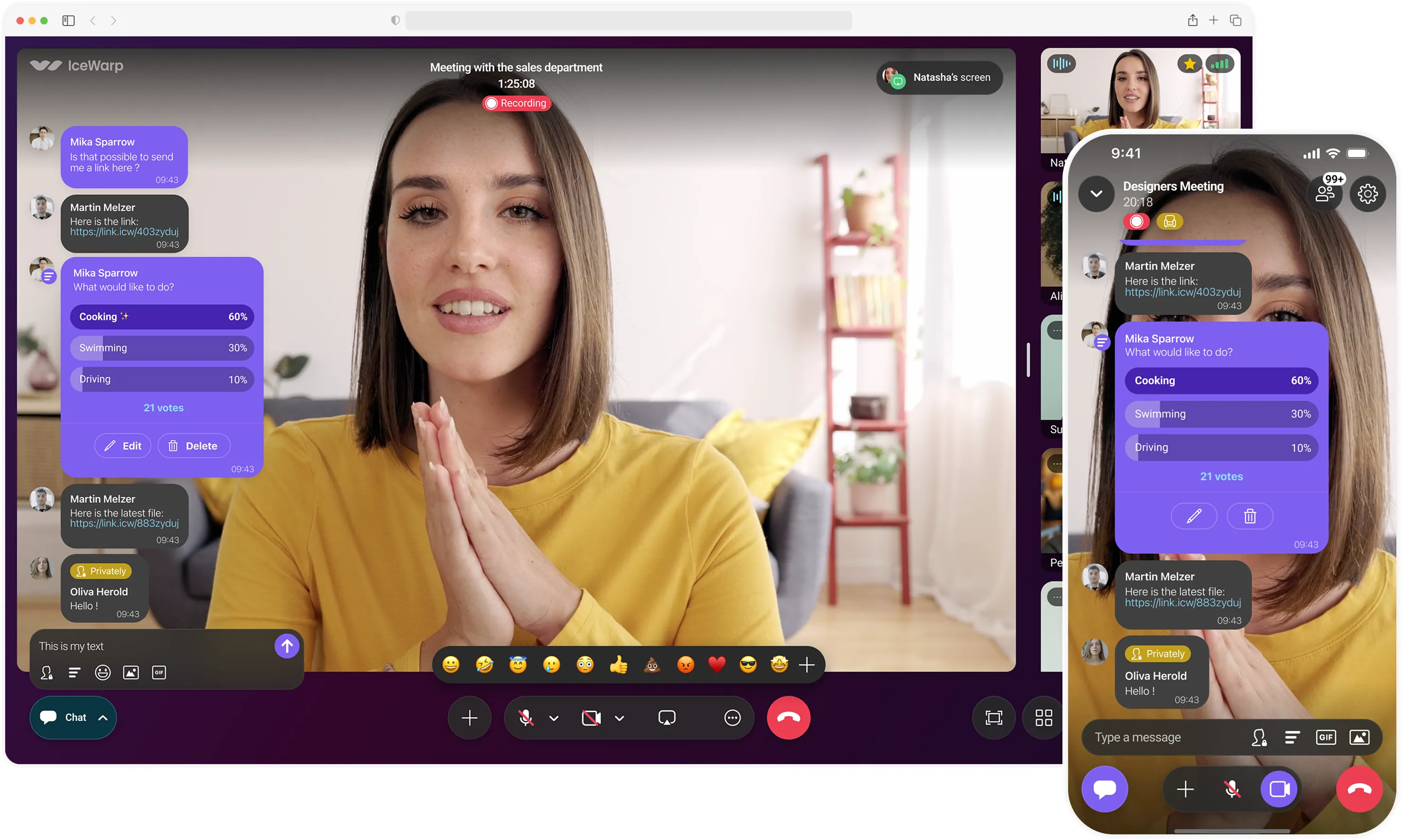
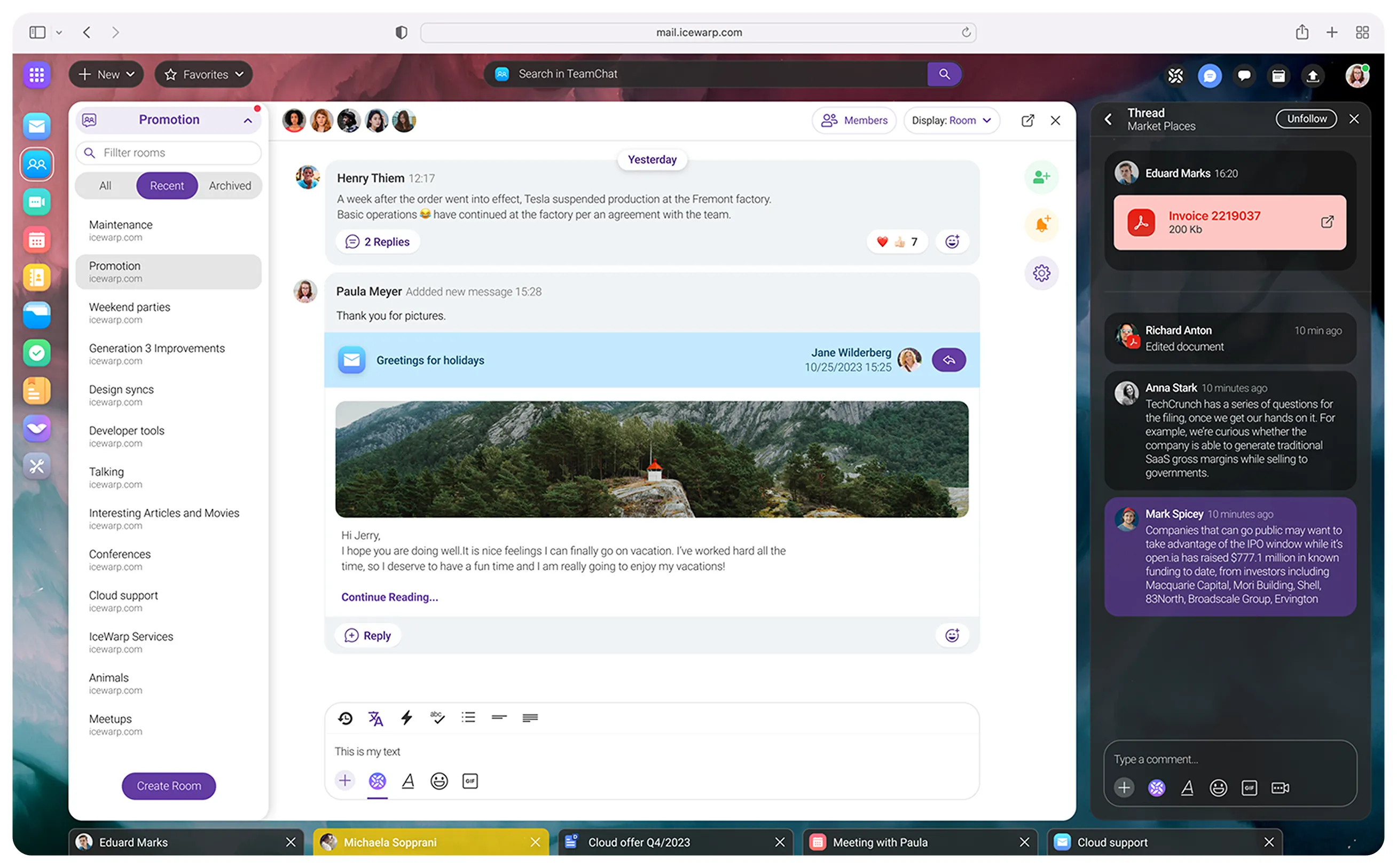
Experience the next generation of instant messaging. Chat one-on-one or in groups, organize discussions with threaded messages, and collaborate efficiently with built-in polls and rich text formatting. Share links, send emails directly from chat, or connect with external participants.
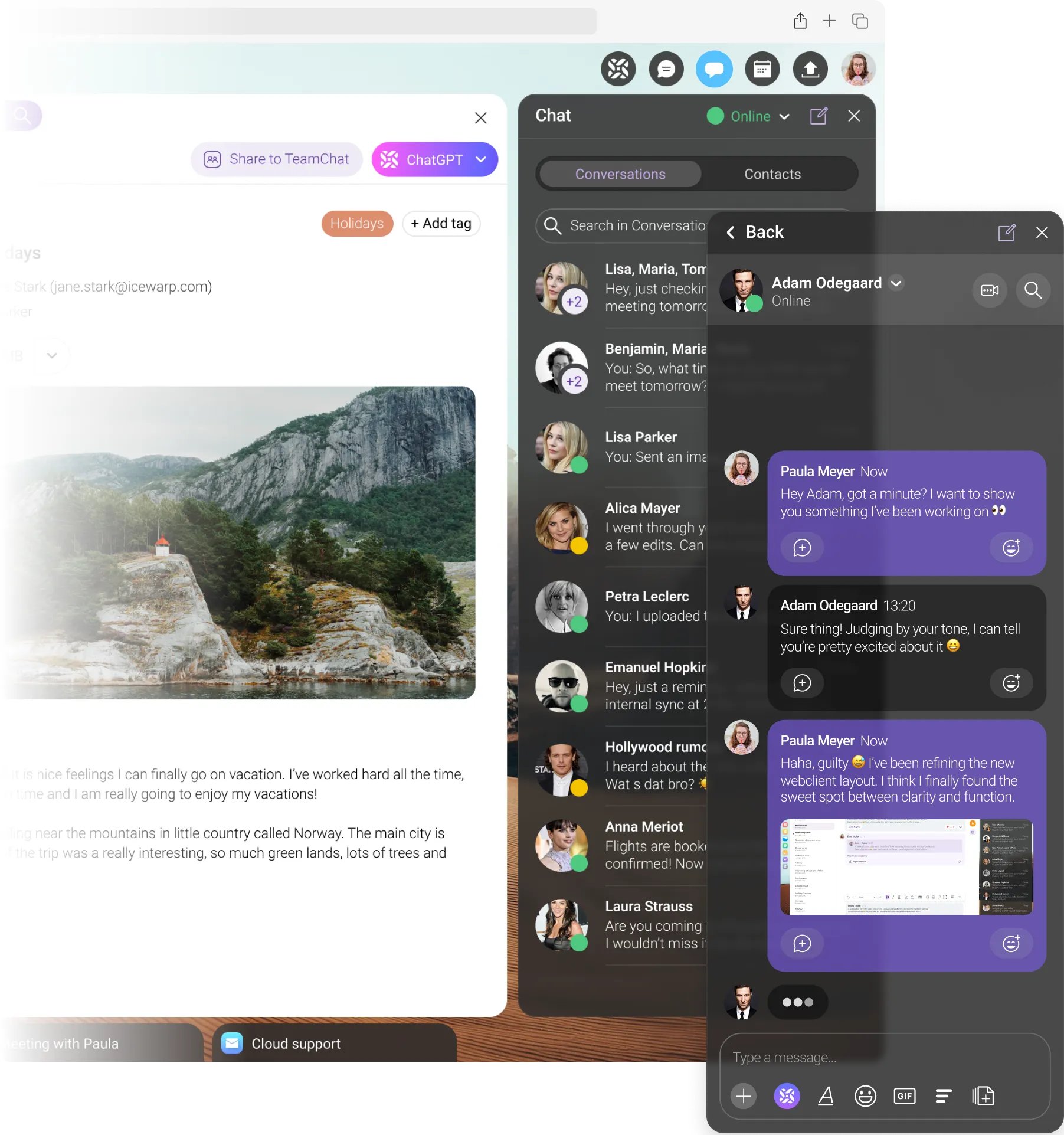

Log in to TeamChat with your Microsoft, Google, or Apple account and start collaborating. OAuth 2.0 and OpenID Connect ensure secure access to your channels and data—no extra passwords needed.

Share emails to TeamChat and collaborate in a single thread. Suggest, compose, and reply to messages—right from the chat room.
Get reply suggestions, summarize conversations, highlight key points, format messages, and translate—directly in TeamChat.

All you need is phone to follow your team's progress from anywhere. Immediately respond to new posts, comment or share files thanks to TeamChat mobile app.

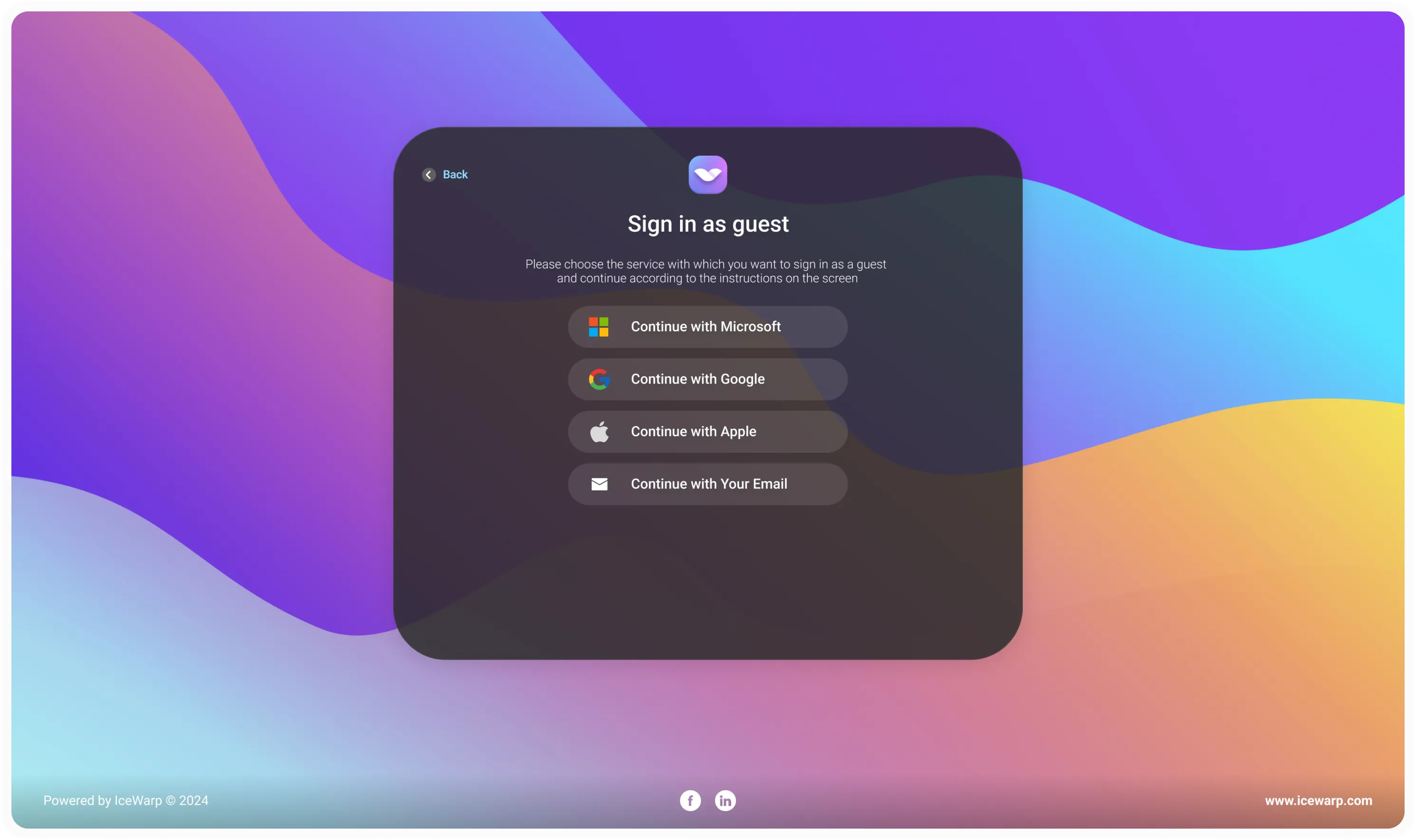
Invite external collaborators to TeamChat. Guests can sign in with their Microsoft, Google, or Apple account and start working together right away.

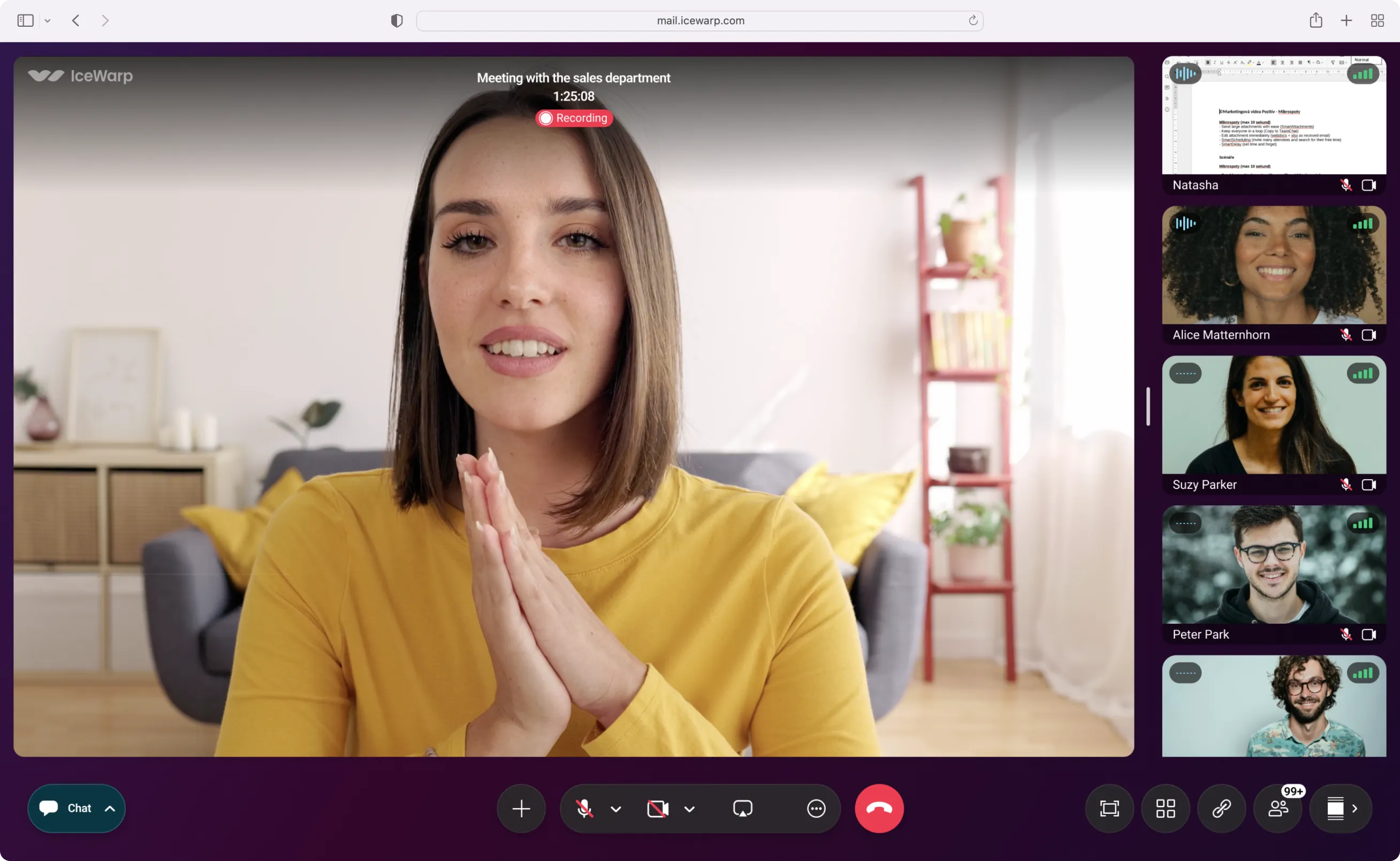
Host meetings from your desktop or mobile device. Connect over video or audio, share your screen, record sessions, and invite up to 1,000 participants. Engage your audience with live chat, reactions, polls, and real-time document editing — or switch to Webinar Mode to present to large audiences with Q&A, live responses, and interactive polls.

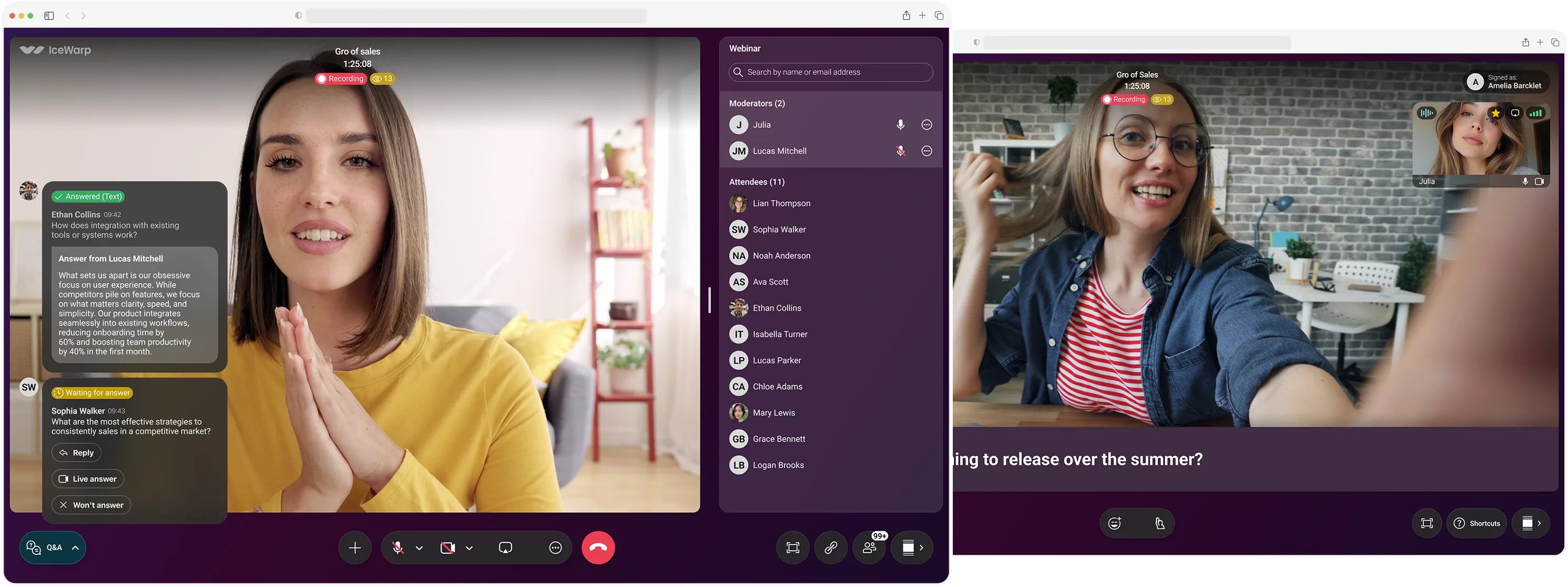
Host webinars or live events, connect and stream to a wider audience. Run Q&As, polls, and chats to keep participants engaged — all from one place.

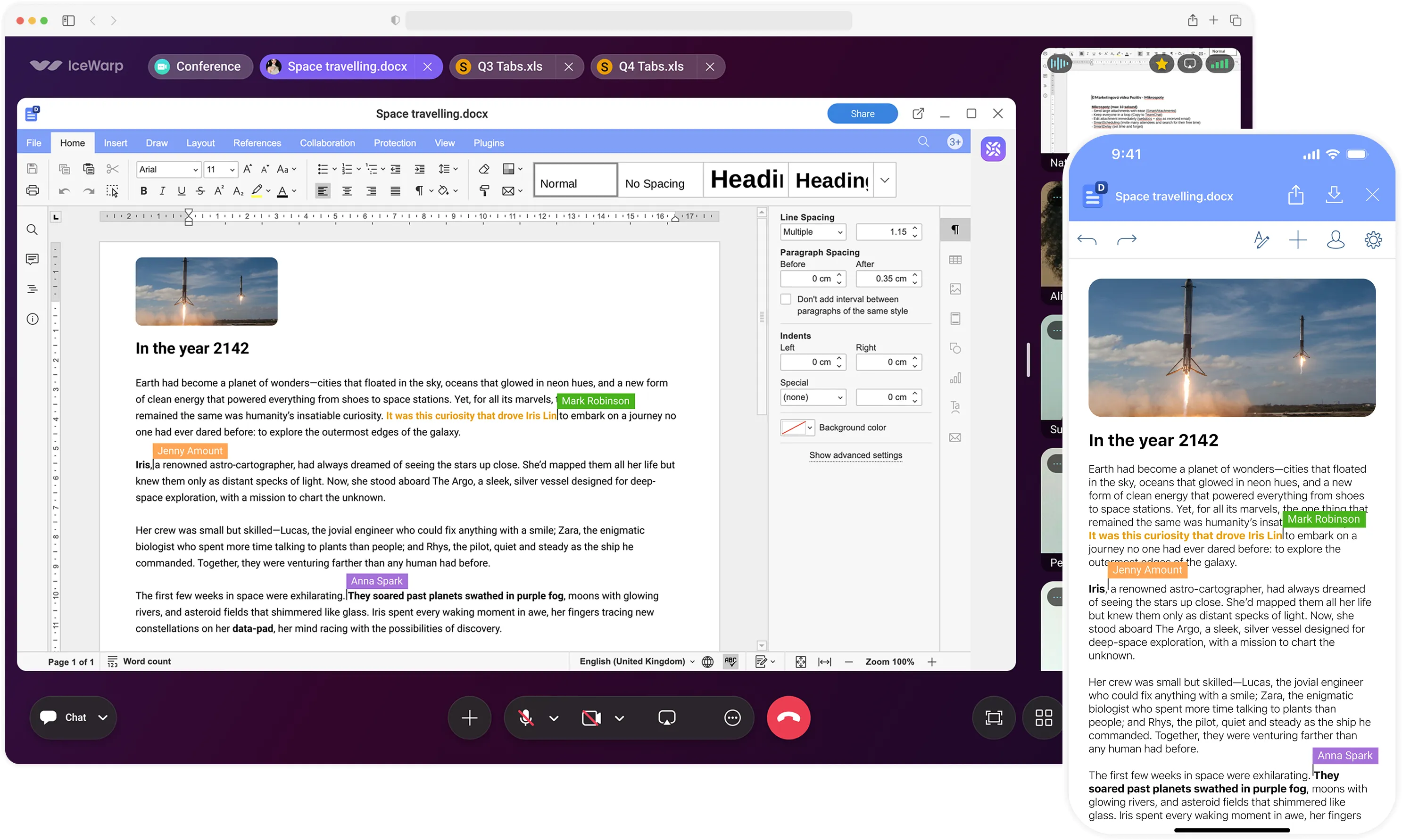
Collaborate live with teammates and guests on docs, spreadsheets, and presentations during conference calls. Start with the plus icon to open a shared document and edit, create, or take notes in real time.

Record meetings, save them to the cloud, and share with anyone who missed them. Enable automatic recording when scheduling to make sure nothing gets lost.

Start a conference and invite anyone, whether colleagues or external guests. Easy participation—no registration required.

End-to-end encryption and password protection prevent unauthorized access. Lobby mode ensures attendees can only join with the organizer’s approval.

Don’t miss any calls. Join meetings from anywhere, even while driving, with Apple CarPlay or Android Auto on both iOS and Android.

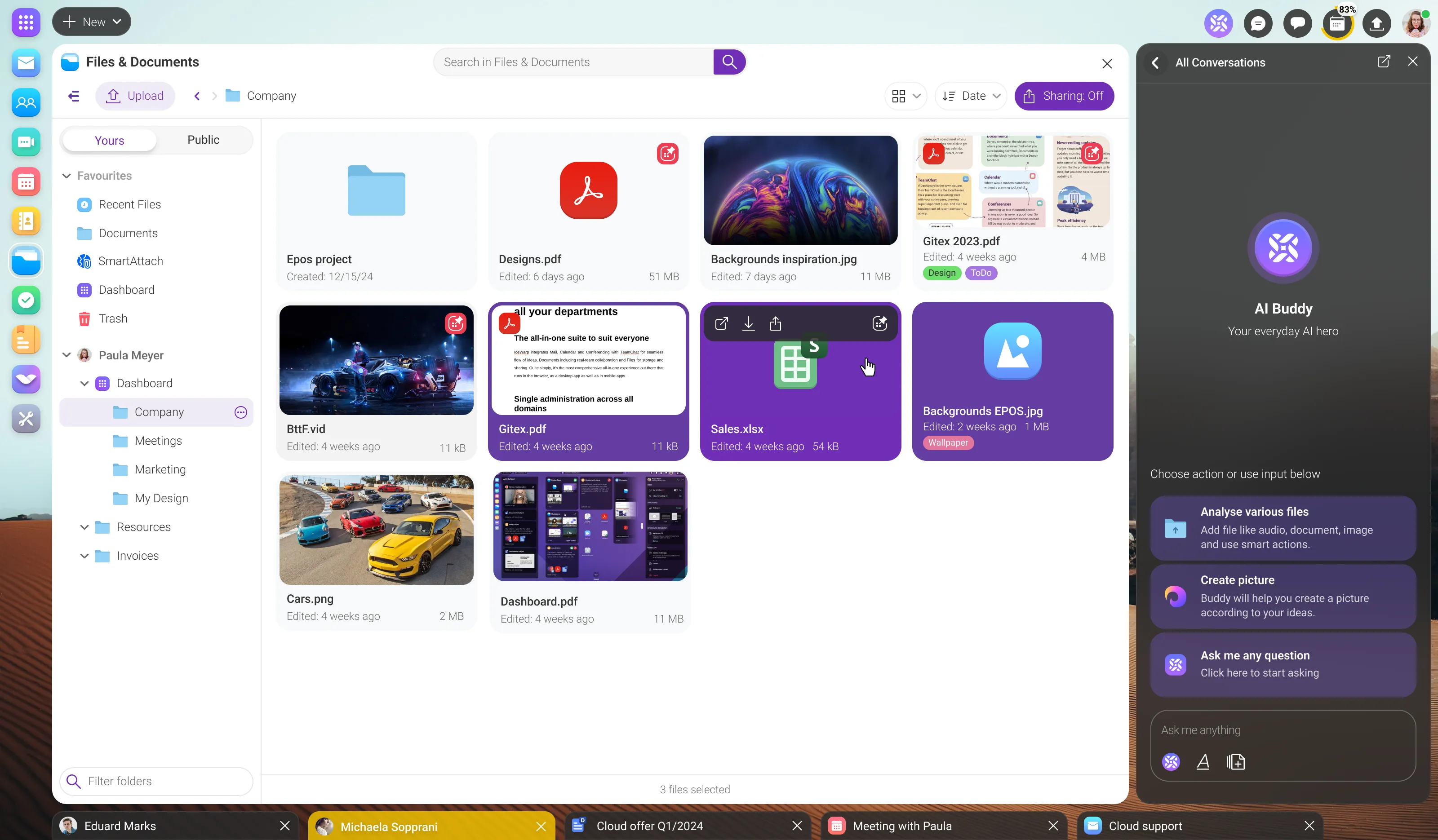
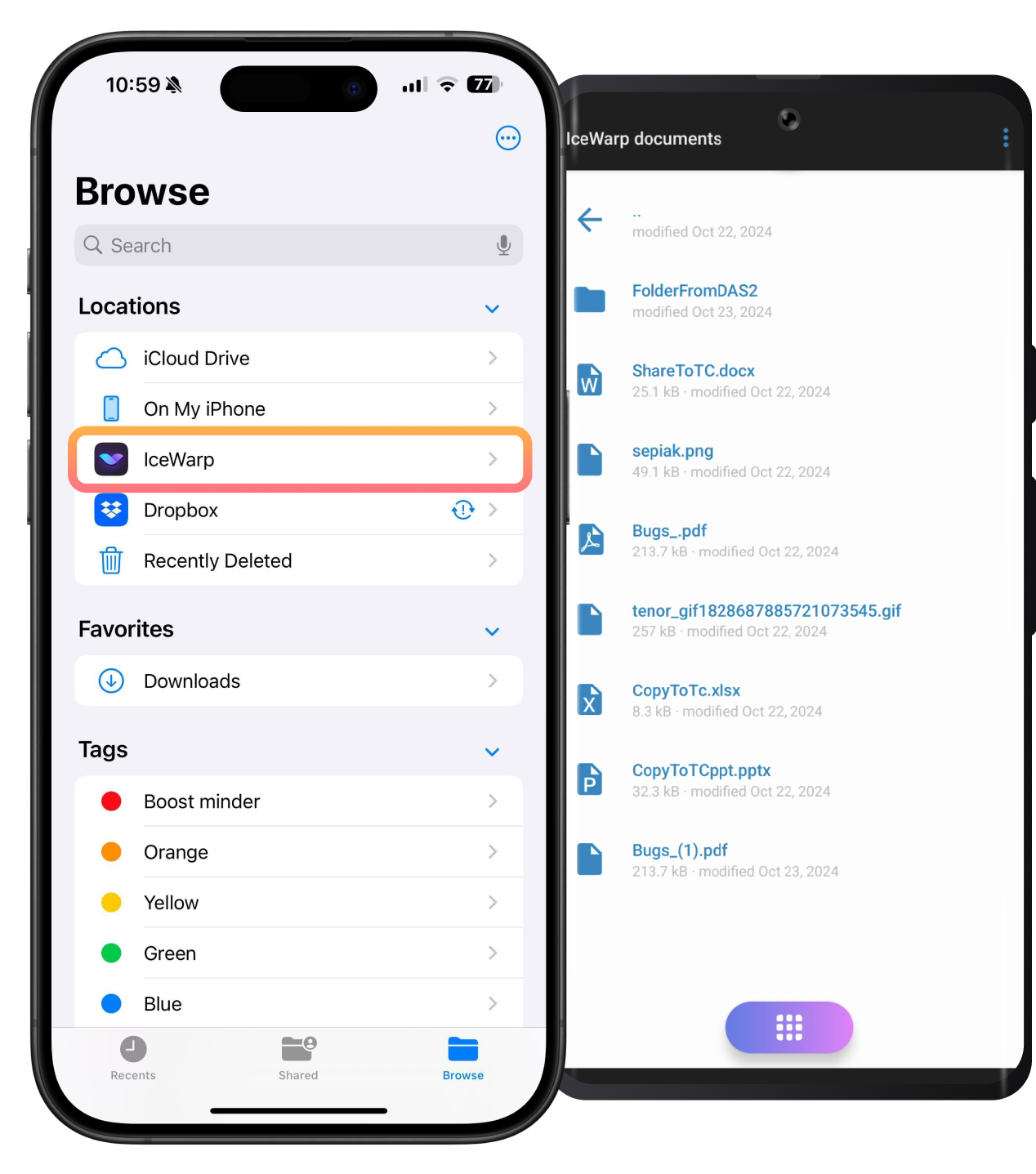
Store files directly in IceWarp and access them from anywhere—through the web client, mobile app, or synced with your desktop client for offline use. Easy sharing with individuals, groups, or guests.




Stay on top of every meeting with an intuitive calendar. Organize your schedule, coordinate with colleagues, and manage events. With Booking, share your availability, invite participants, and let others book meetings in seconds — all in one modern interface that keeps your day running smoothly.
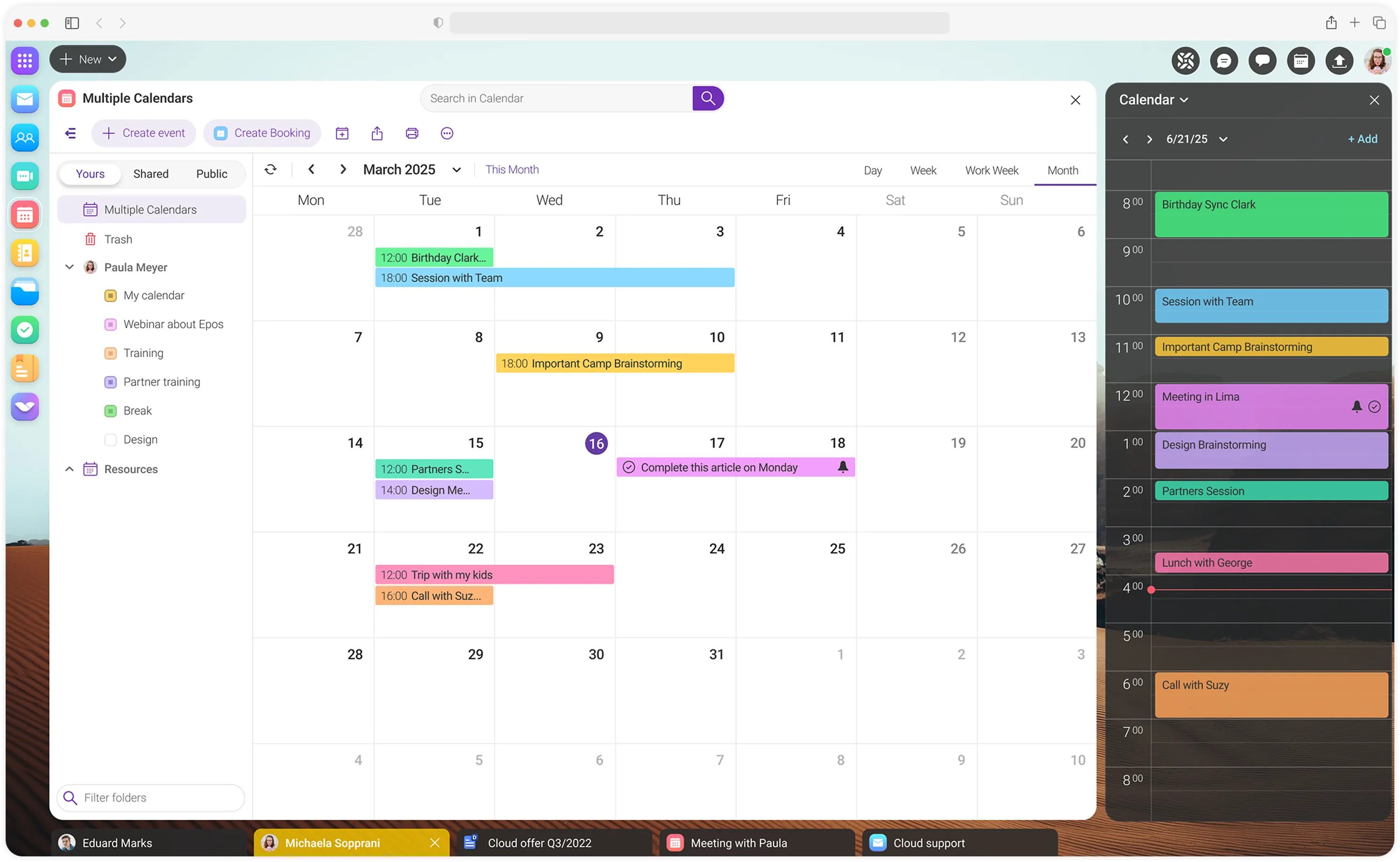

Share your availability, invite participants, and let clients book time with you in seconds — ideal for any type of business, from doctors and consultants to stylists and beyond.
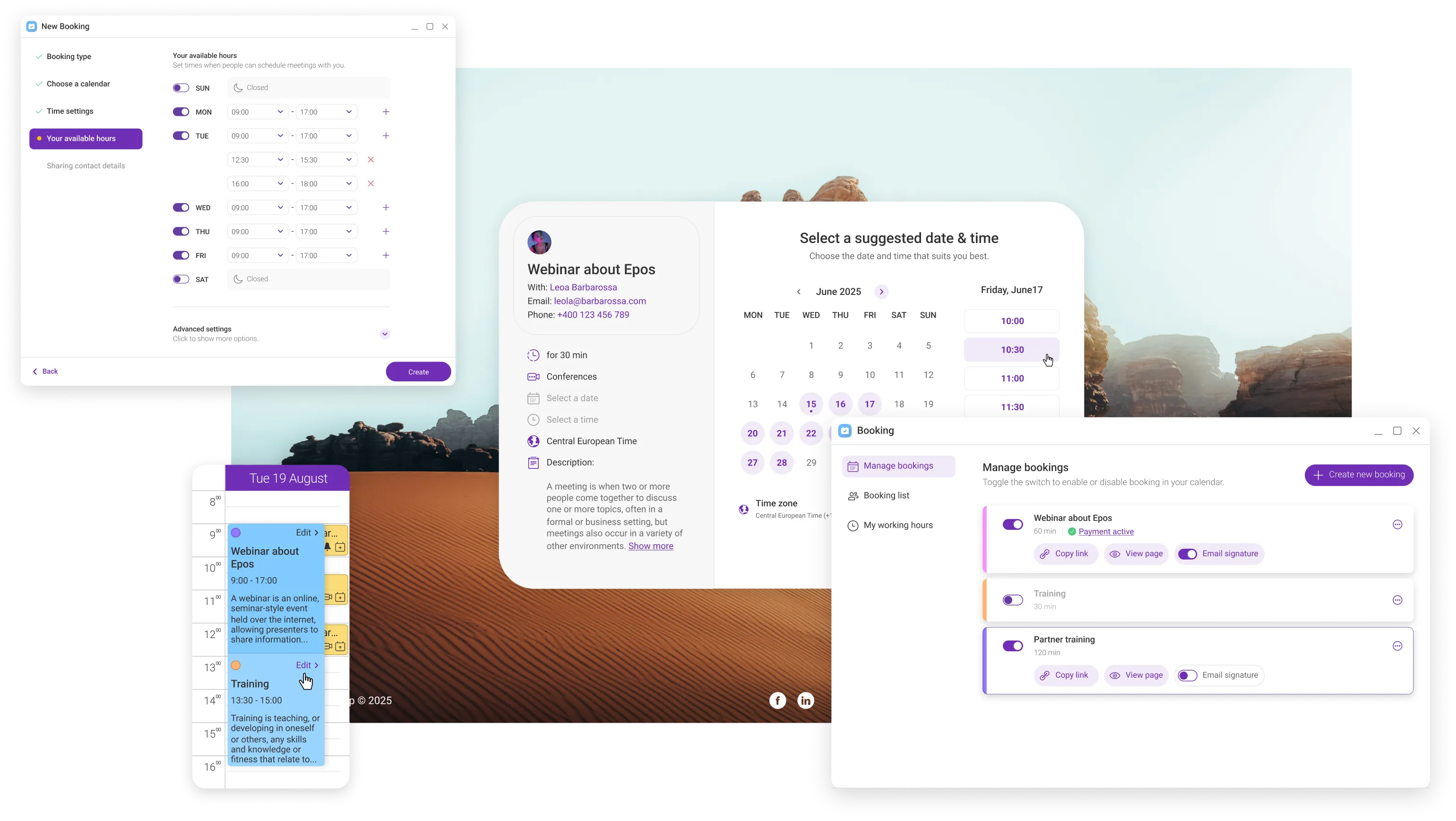

Create, edit, and collaborate on documents in real time with full support for .docx, .xlsx, and .pptx formats. Track changes, chat within files, and speed up your work with ChatGPT suggestions. Your office suite—built for collaboration, efficiency, and costs savings.
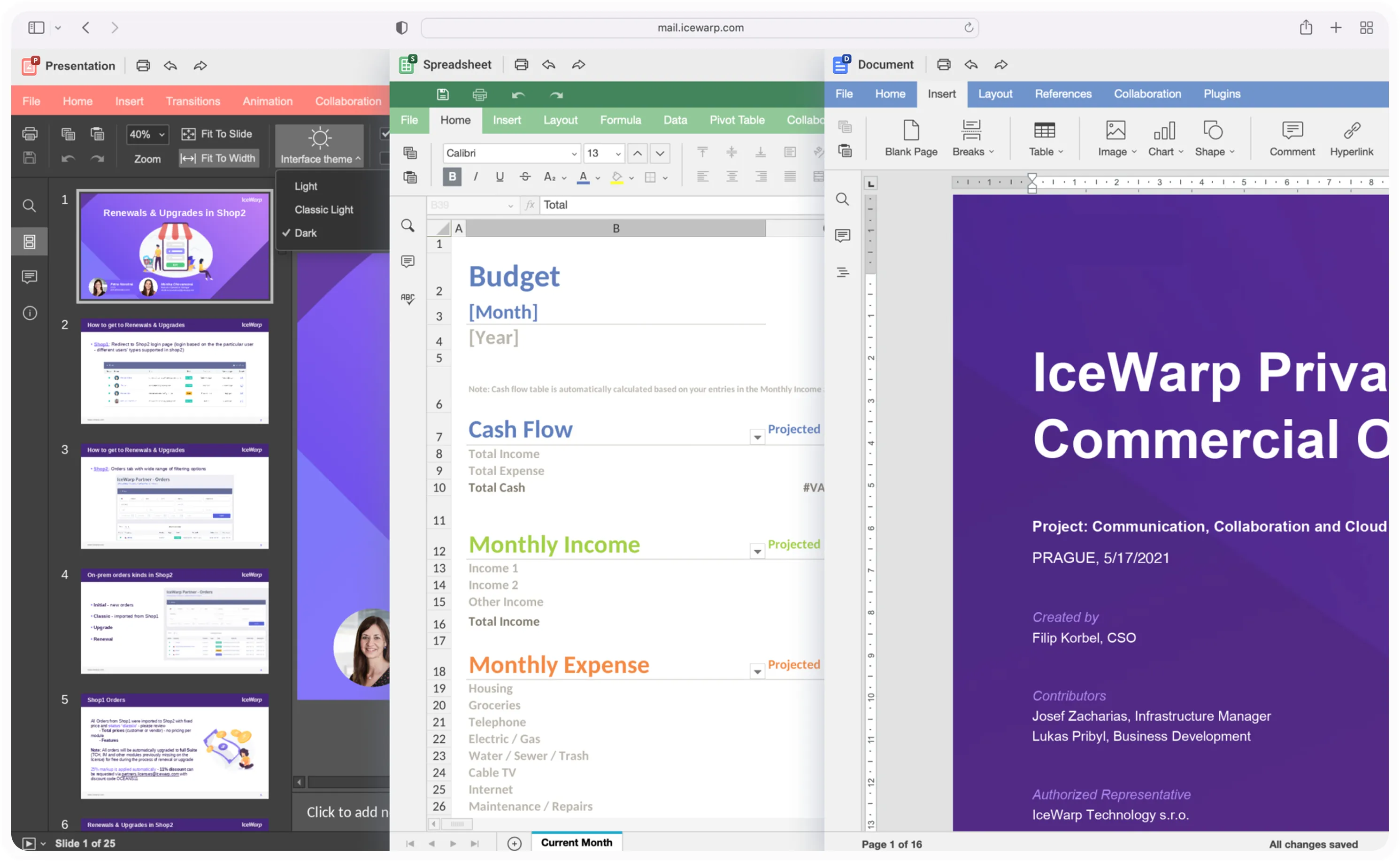

Documents support native Microsoft Word, Excel, and PowerPoint formats including advanced features like pivot tables, macros, and controls.

Work alongside your team in the same document, with instant discussion and feedback through the integrated chat panel.

Click the Share button, select your sharing options, and based on your settings, teammates or guests can read or edit the shared documents.

Track document changes and view ongoing edits. Switch between original and updated versions, accept or reject changes, and share the final version for sign-off.

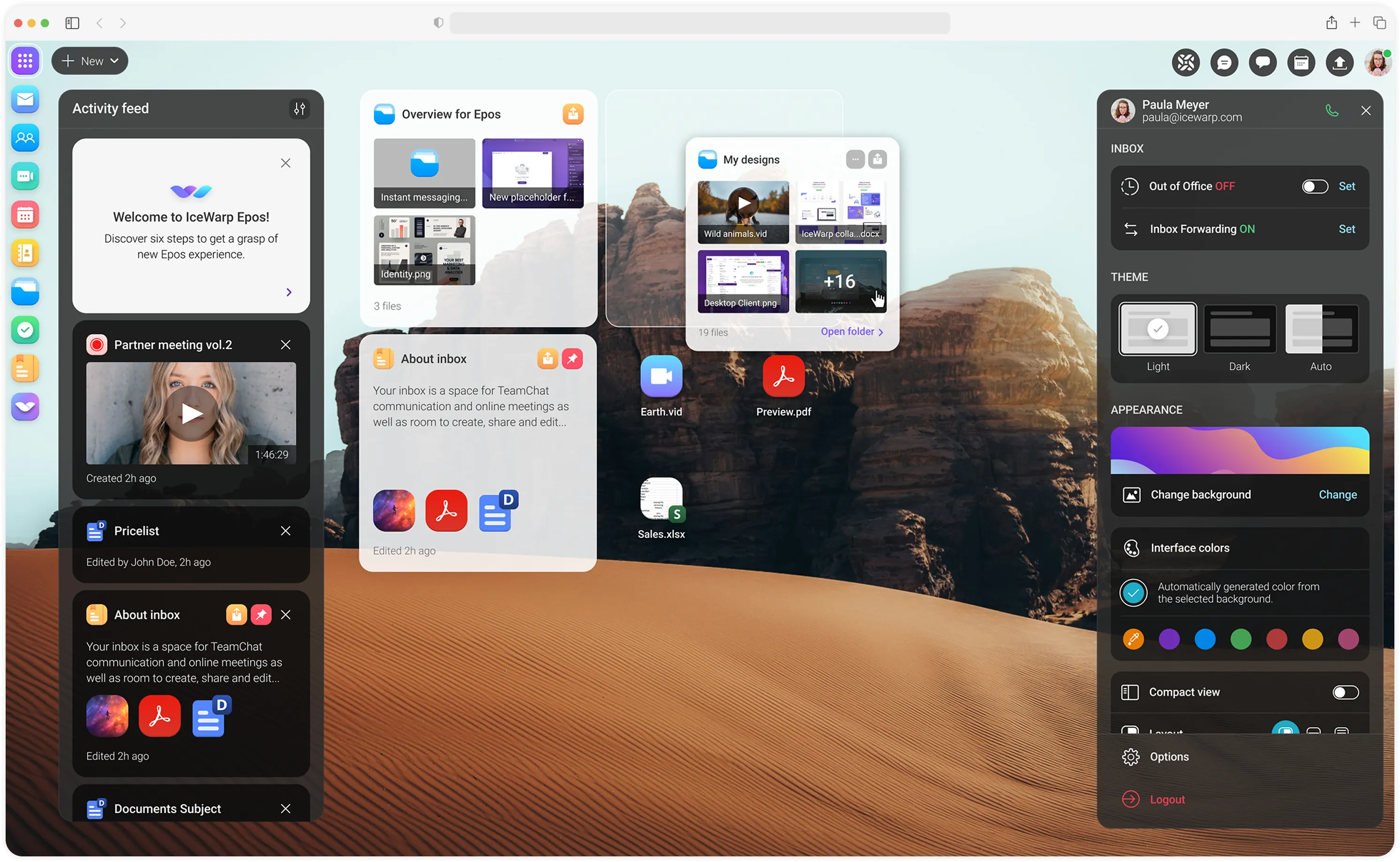
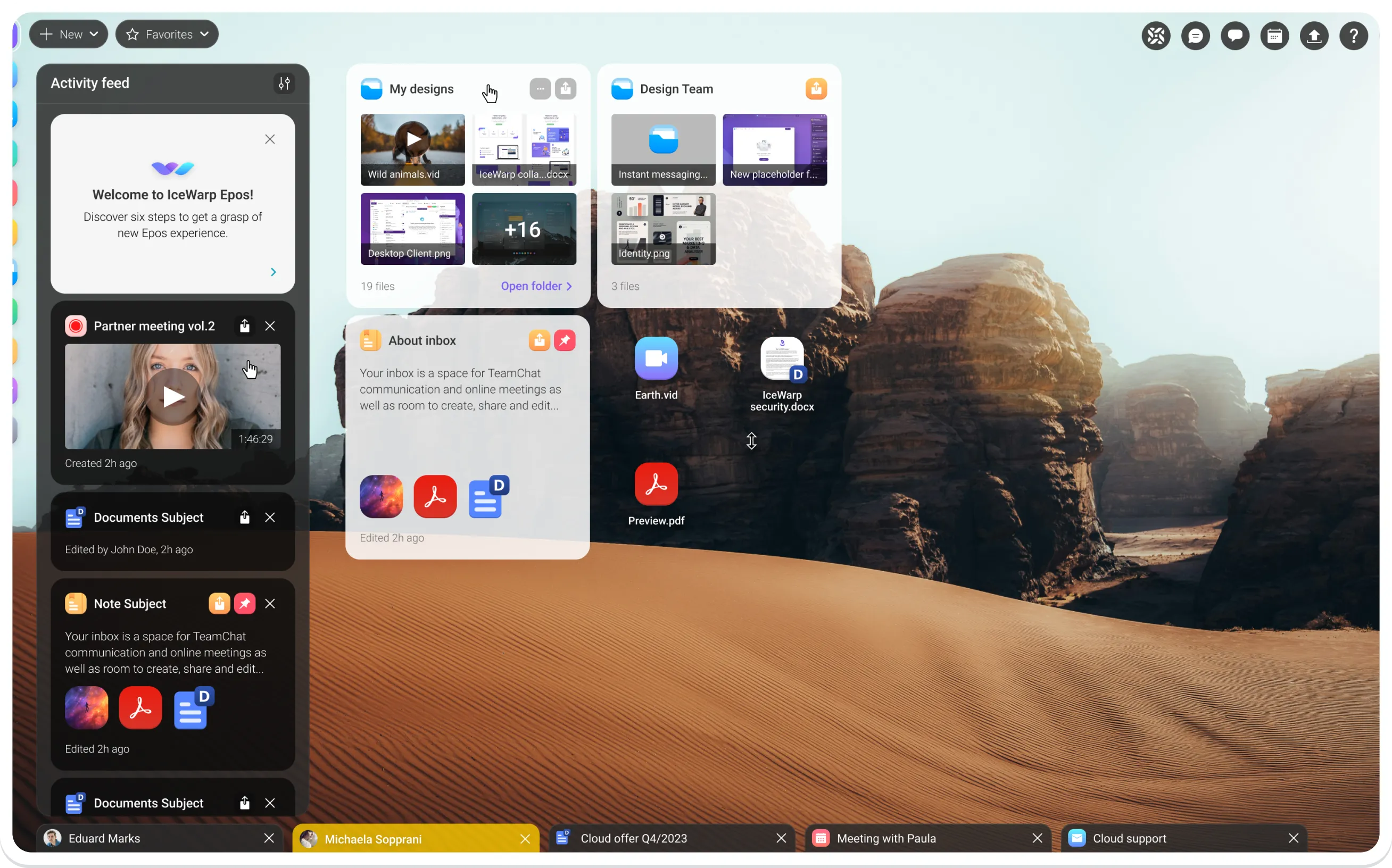
Bring a desktop-like experience to your browser. The Dashboard is your web-based workspace, offering easy access to tasks and everything you need. Store files, organize folders, take notes, and view activity—all in one place.
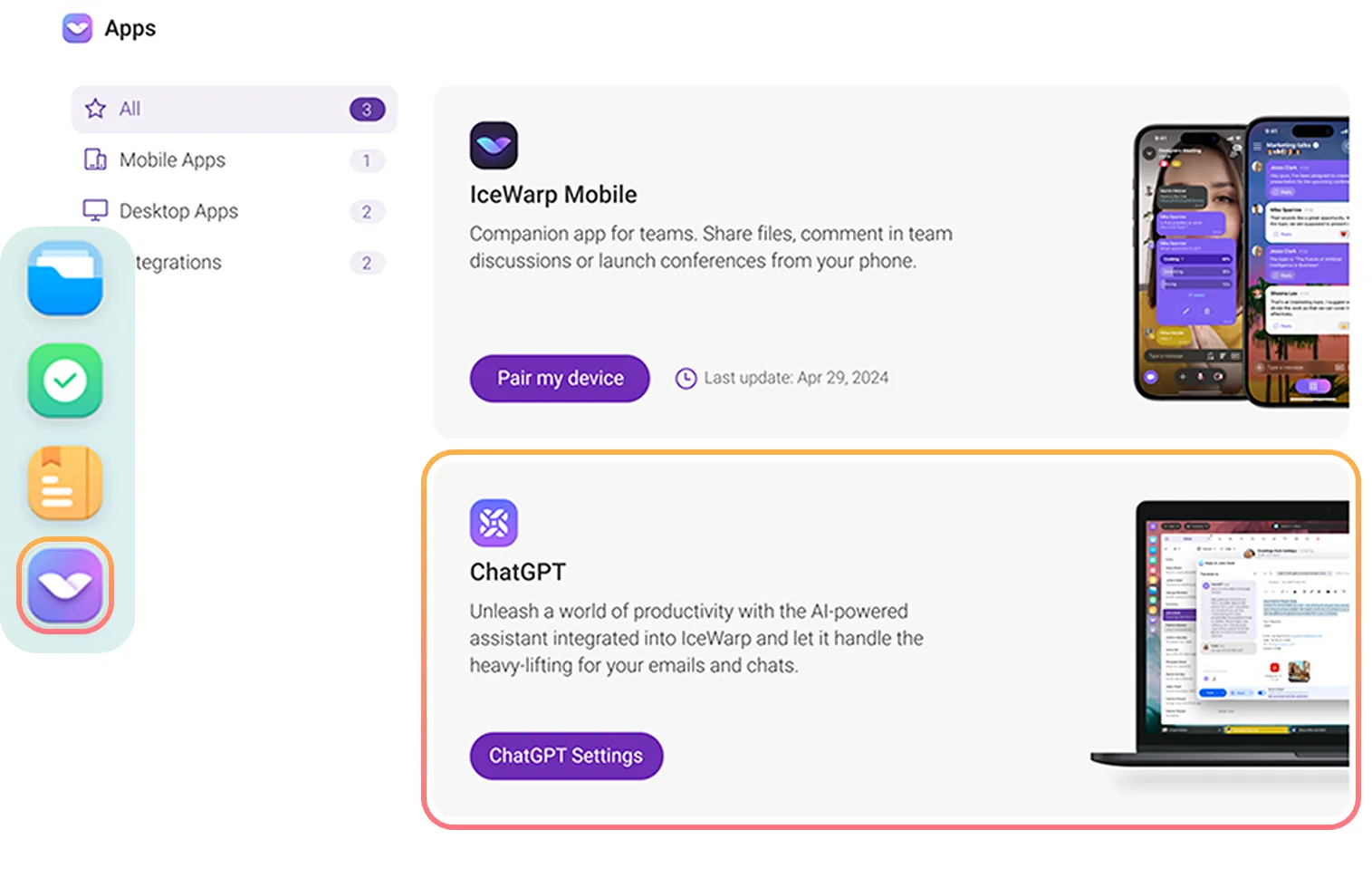
Enable ChatGPT to enhance your workflow. Summarize, edit, and generate content in seconds—from drafting emails and reply suggestions to translations and formatting documents.
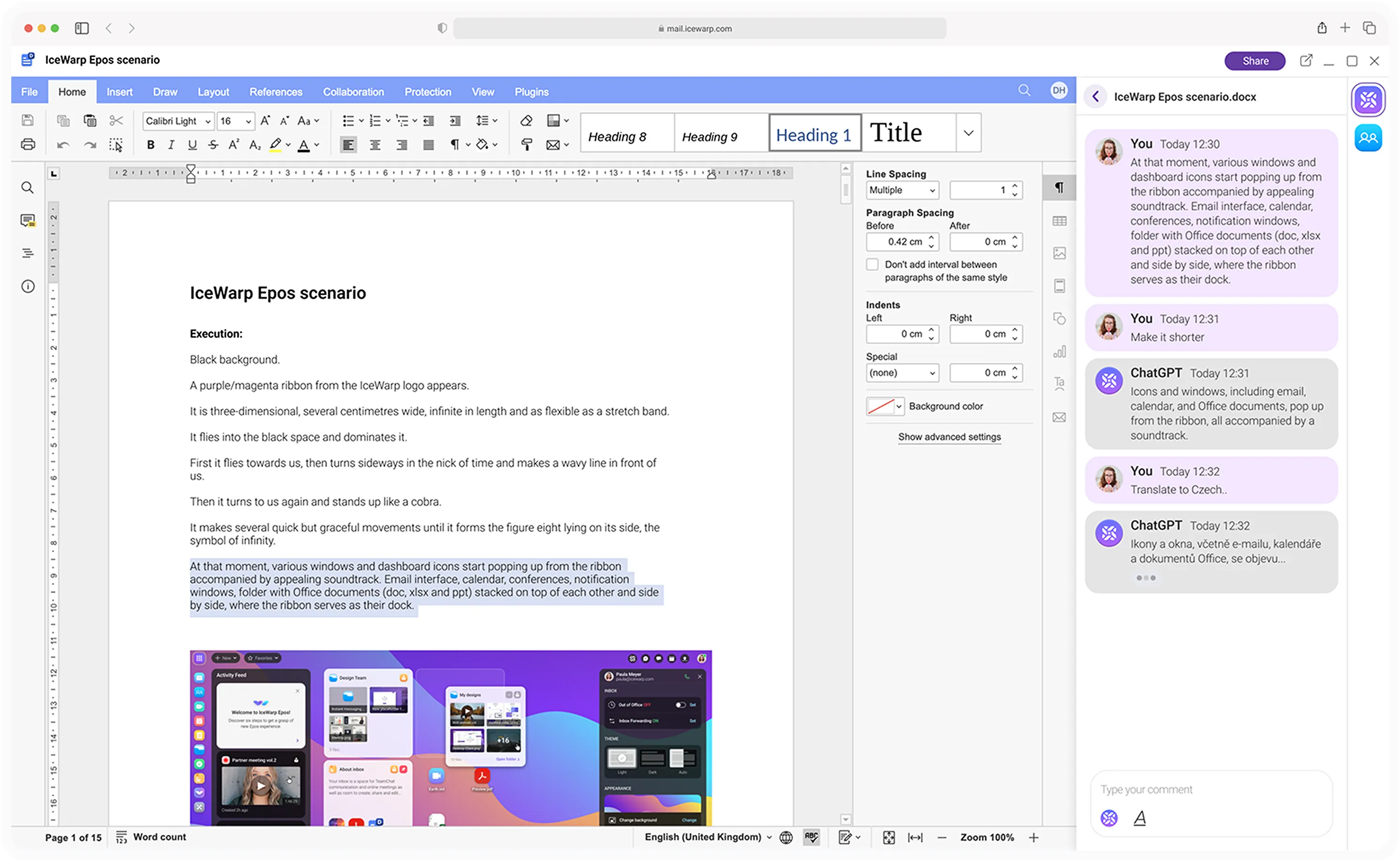
 Automatic response suggestions
 Translations in most languages
 Grammatical corrections
 Quick summary generation
 ChatGPT integration available in emails, documents, and TeamChat.
Get reply suggestions, summarize threads, highlight key points, format text, and translate—right from your inbox.
Navigate your conversations. Summarize, format text, and highlight key points in bullet form.
Summarize long conversations, highlight key points, correct grammar, and generate ideas.
Analyze documents, generate images from text, suggest improvements, check grammar, and translate easily.
Work the way you prefer with IceWarp. Manage emails, calendars, contacts, tasks, notes, chat, and meetings in the Desktop Client. Use Desktop Office to create and edit documents. Perfect for both online and offline work, and fully compatible with Microsoft 365 environments. Microsoft 365 environments.

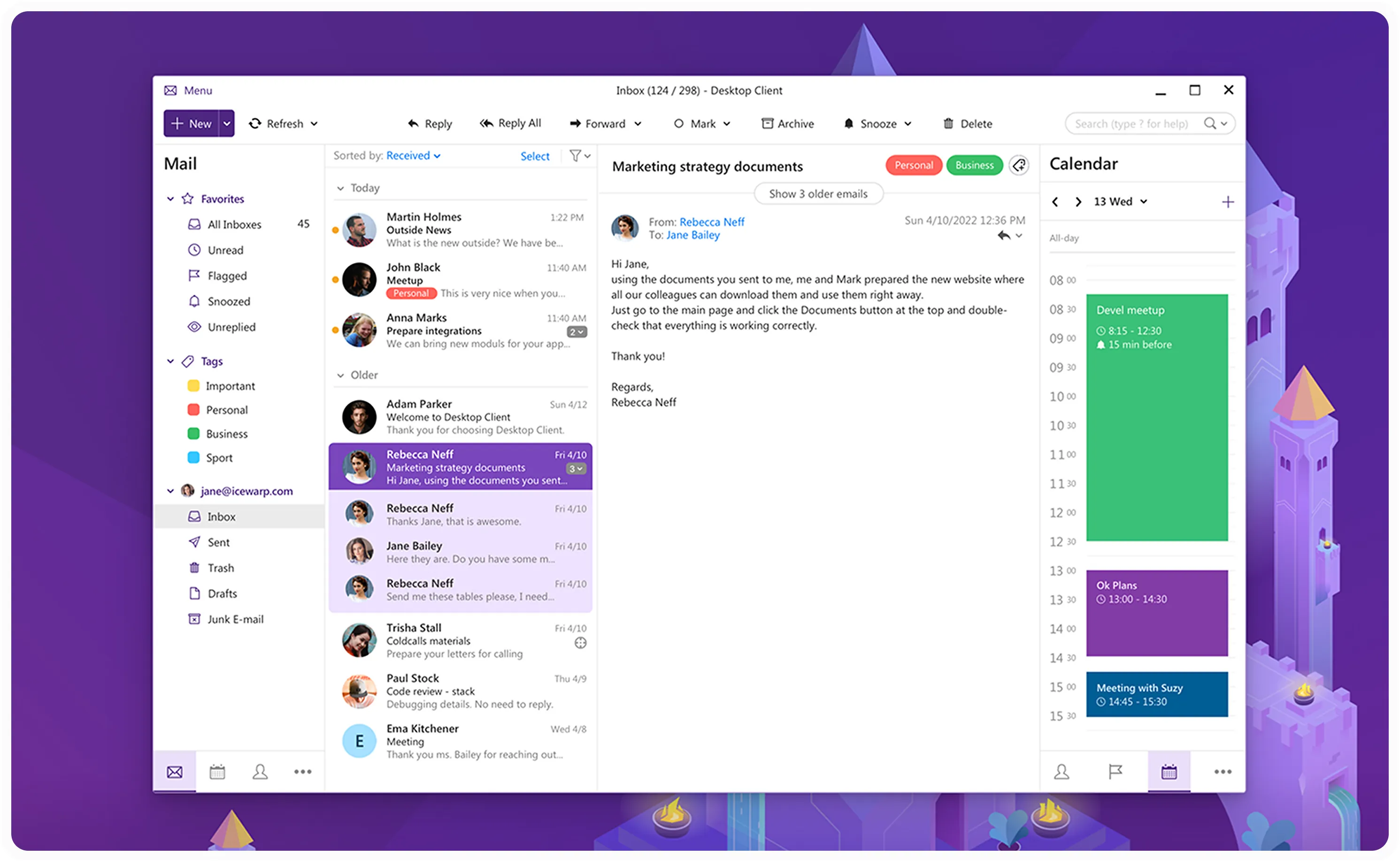
Stay organized and manage email, contacts, calendars, tasks, notes, chat, and meetings—all from your desktop. Enjoy secure communication with PGP encryption, searchable message history, and a dark mode interface. Available for Windows or macOS.

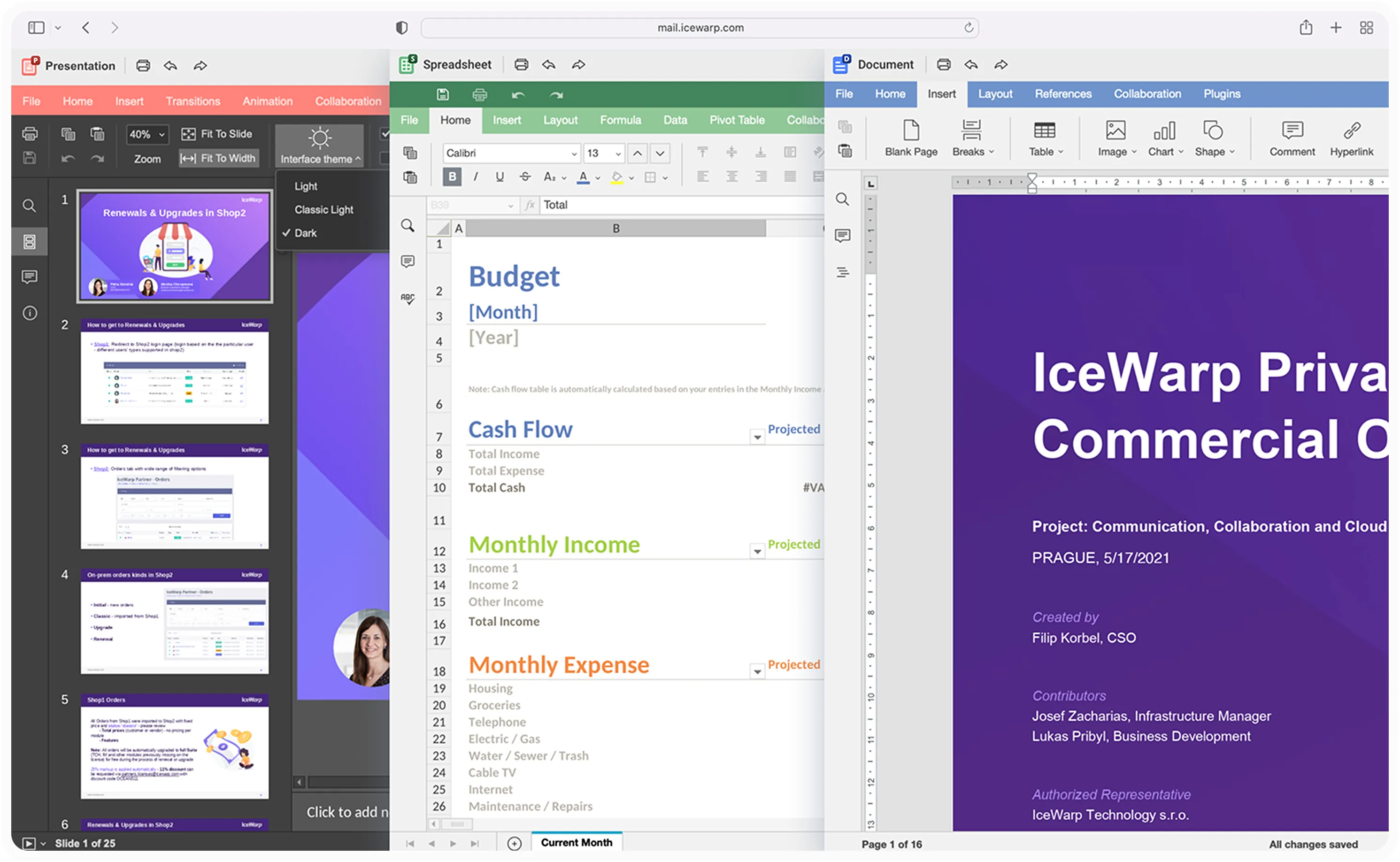
Create, collaborate and edit documents, spreadsheets, and presentations with ease—fully compatible with Microsoft Word, Excel, and PowerPoint formats.

Keep everything in sync: email, calendar, tasks, and notes—from Outlook (supported up to version 2021) to IceWarp with OutlookSync integration. For the best experience, use the Desktop Client with older Outlook versions.
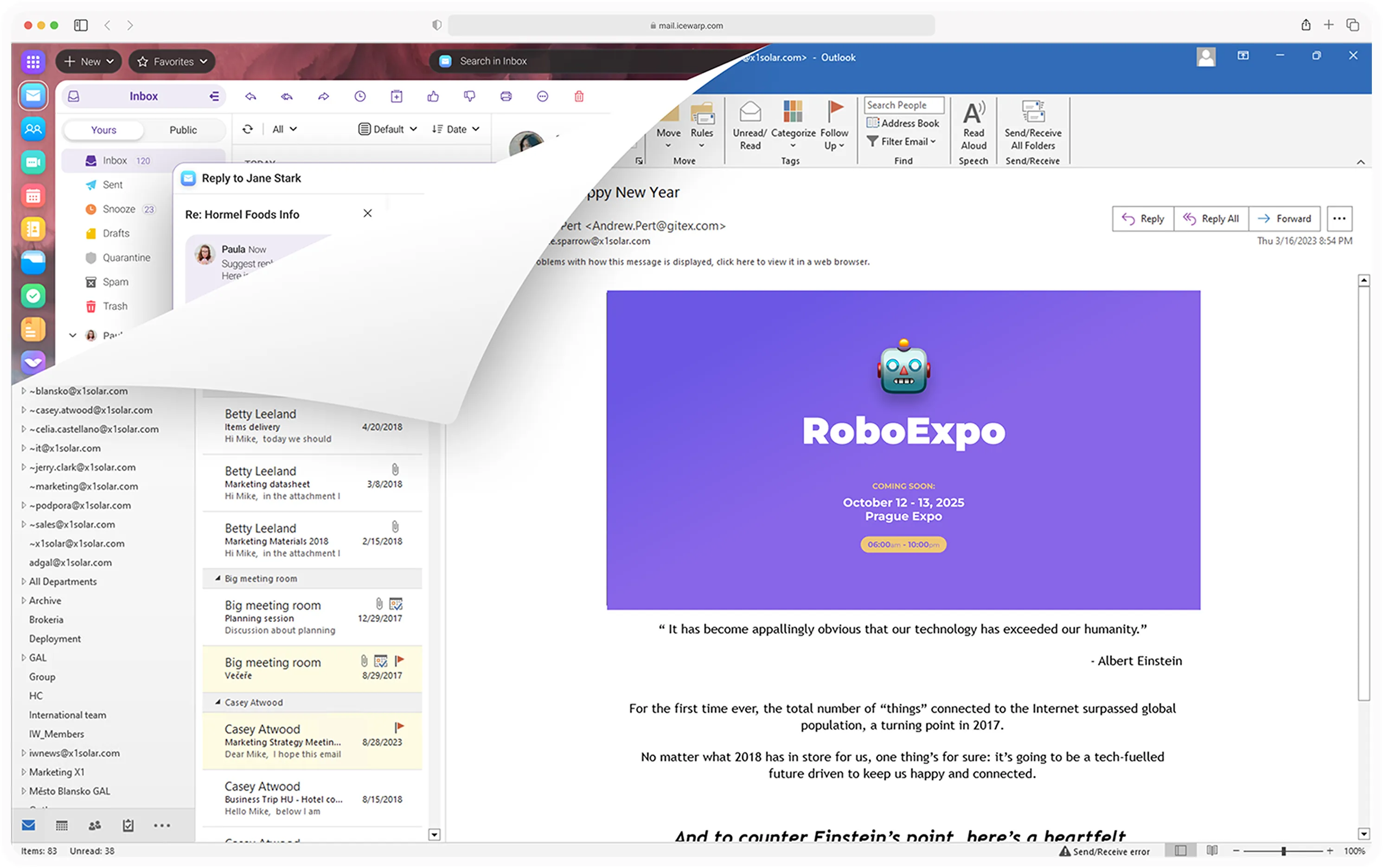

Quick data sync
Easily sync key data, email and calendars to stay up-to-date.

Category sync
Sync color-coded categories for easy organization

Single Sign-On (SSO)
One login for all your tools with Active Directory integration.
Email, TeamChat, Conferences, and Documents—enhanced with ChatGPT, collaborative editing, and more. All in a secure, comprehensive cloud solution accessible right from your browser.

Check your inbox and continue the conversation in TeamChat. Join meetings, get reply suggestions or translations from ChatGPT, and collaborate on documents with your team—all in one place.


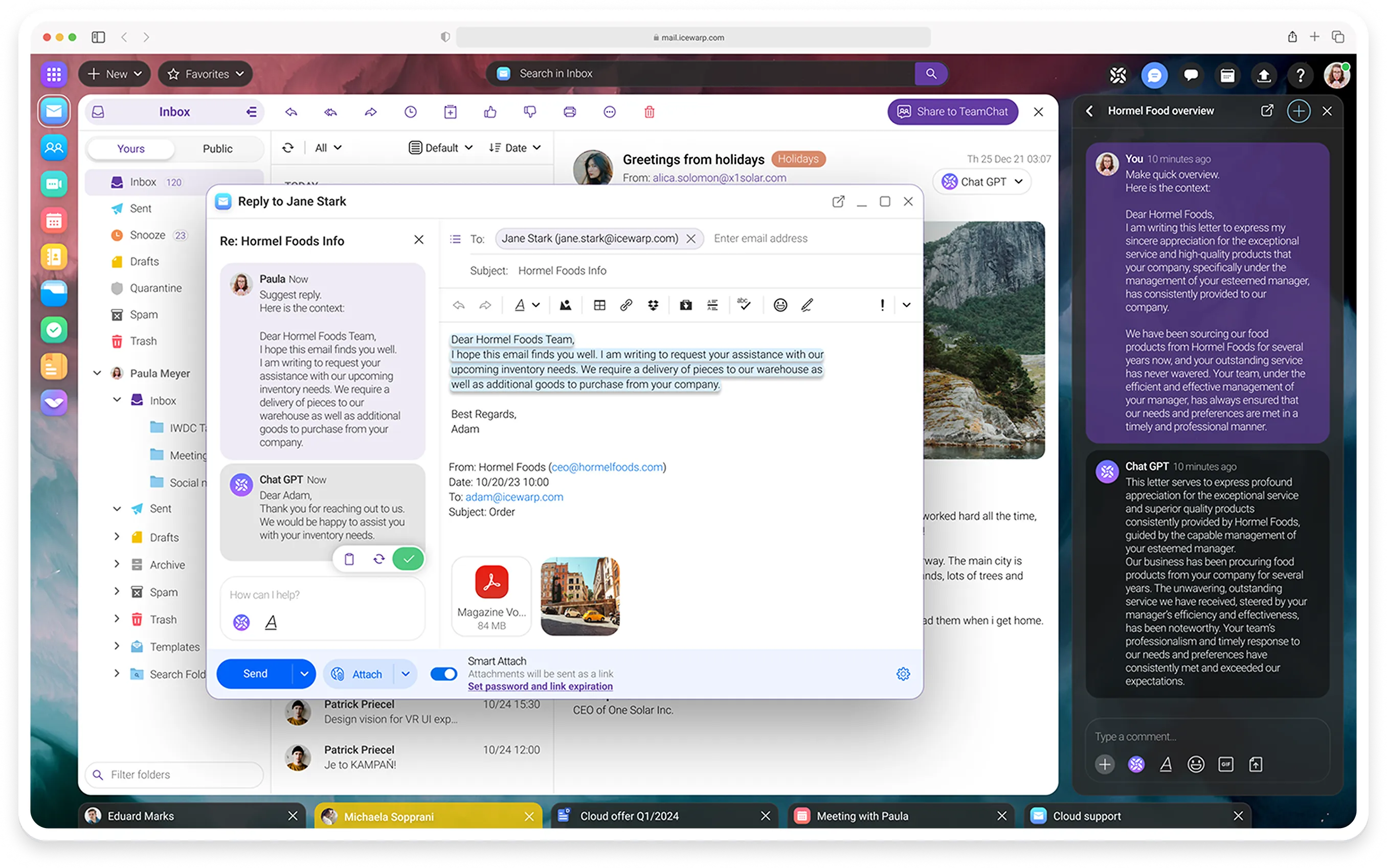

Click the 'Share to TeamChat' button in the top-right corner of your email to share the message directly in a TeamChat room.




Host meetings in IceWarp from desktop or mobile—no extra apps needed. Connect via video or audio, share your screen, record sessions, chat, react, run polls, and collaborate on documents in real time.


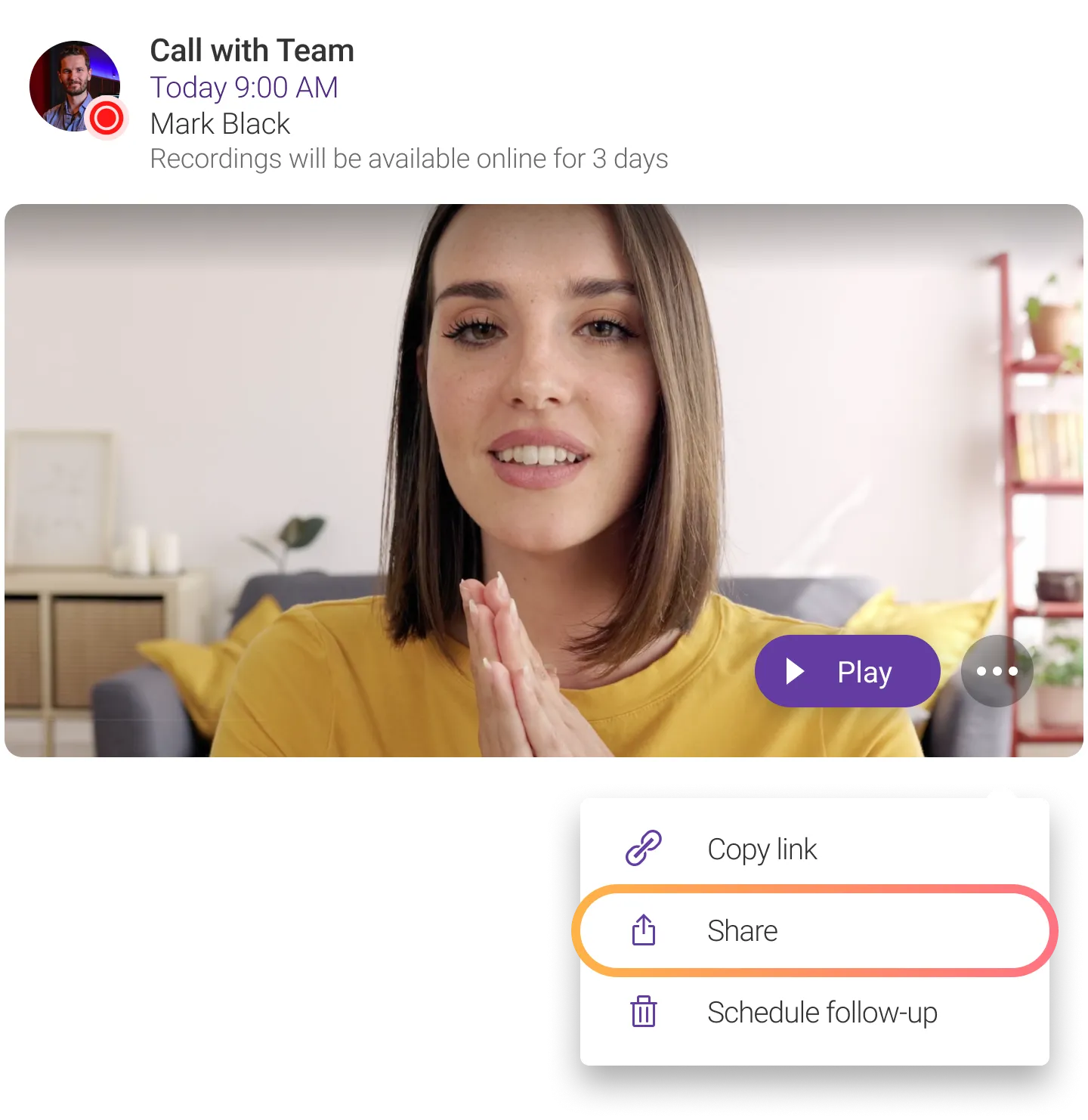


Easily share meeting recordings with anyone who couldn’t attend. Recordings are stored for 30 days in the call history on the Conferences homepage, ready to replay or share anytime.

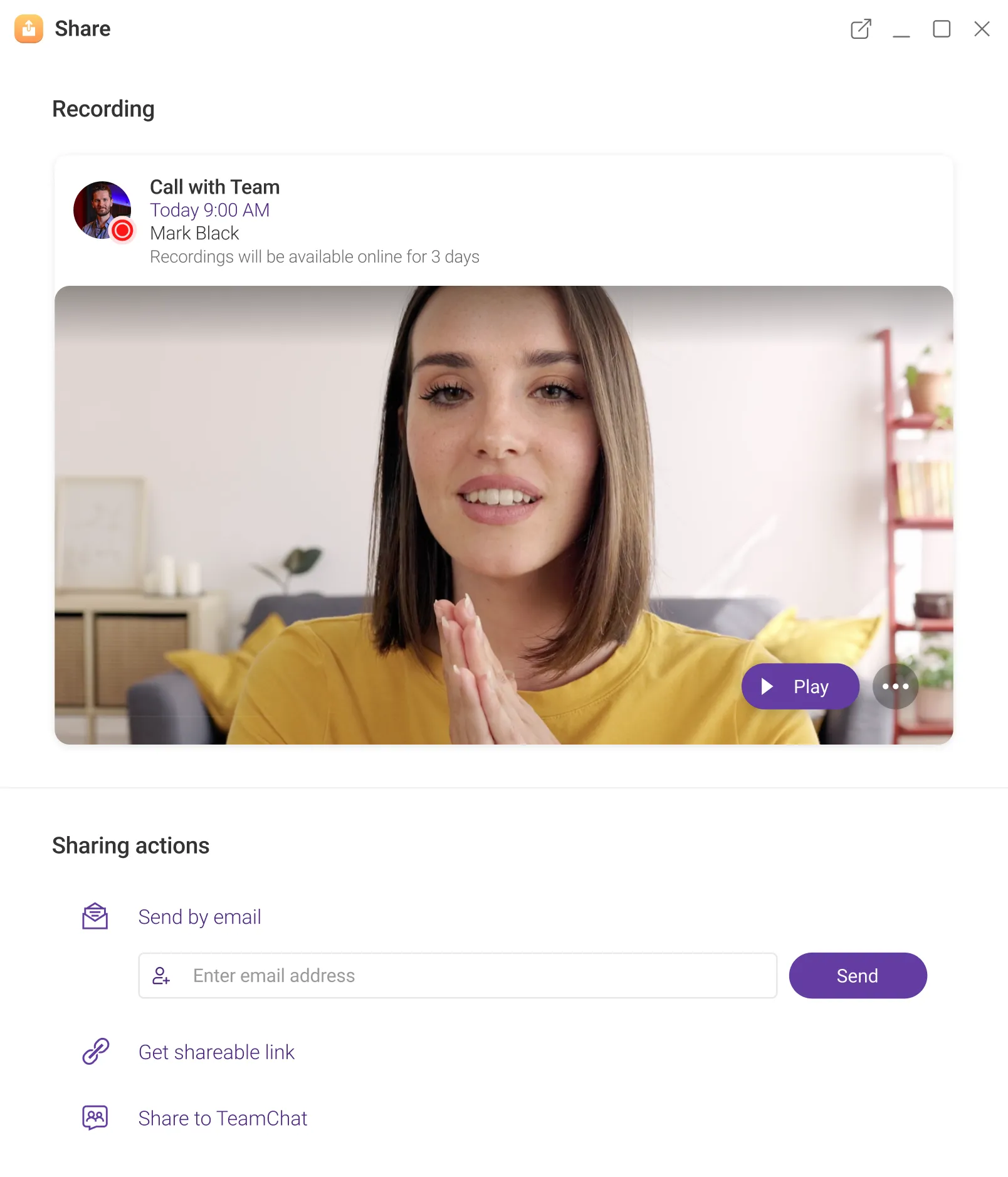
Add recipients and share your recording via email, generate a shareable link, or post it in a TeamChat room.


TeamChat makes working on multiple projects with ad-hoc teams more productive. Share files, emails, and documents, use ChatGPT to rephrase or correct grammar, and collaborate on edits in real time.


Grabbing lunch on the go? Grab the IceWarp mobile app too! Stay productive with meetings, notes, and TeamChats, all while on the move.


Stay connected with the IceWarp mobile app. Get message notifications, join TeamChat conversations, manage online meetings in Conferences, and share files with your team — all in one place. Business email is available on iOS, with Android coming soon.
TeamChat Conferences
 Files
Email
Files
Email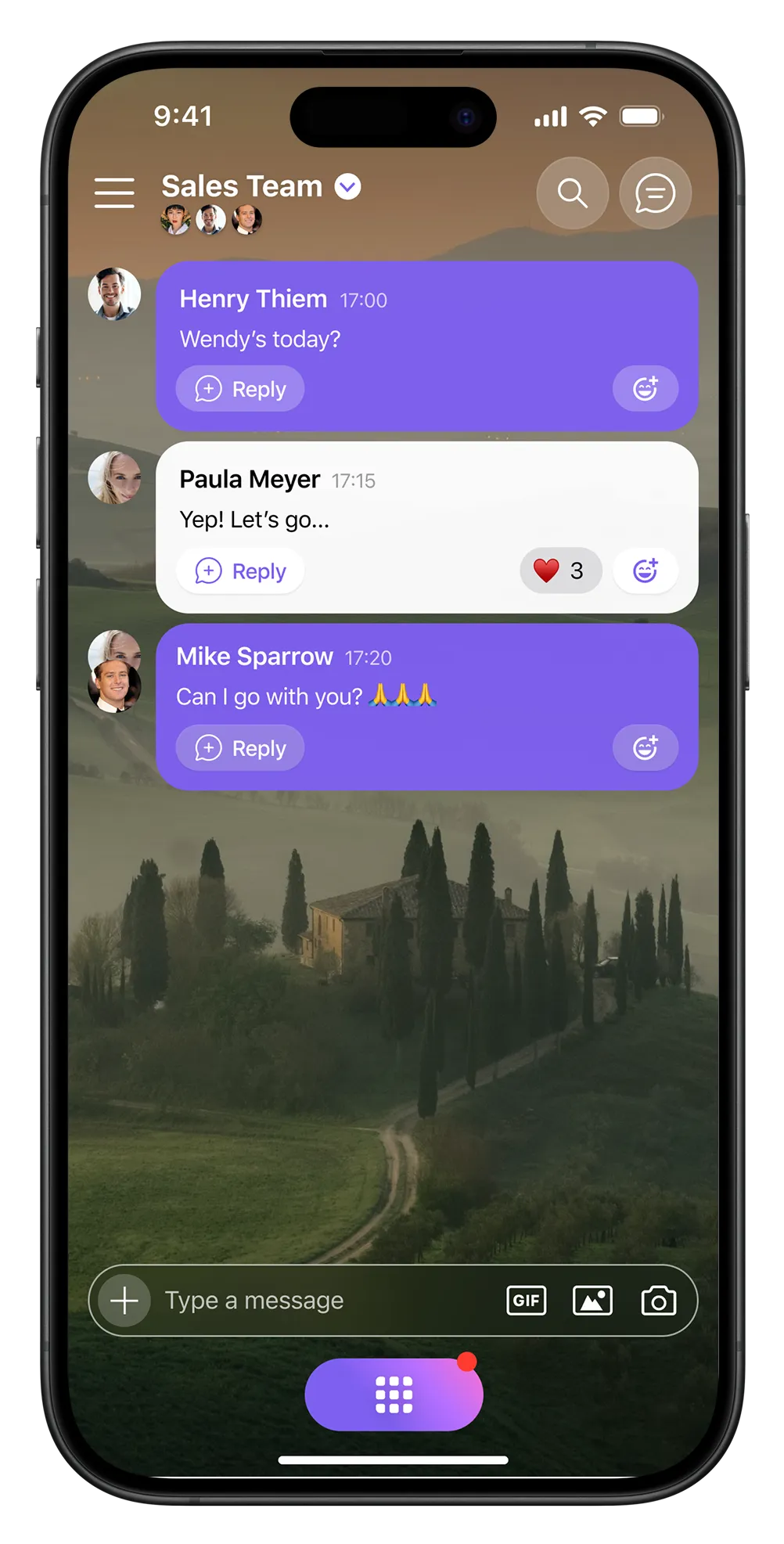

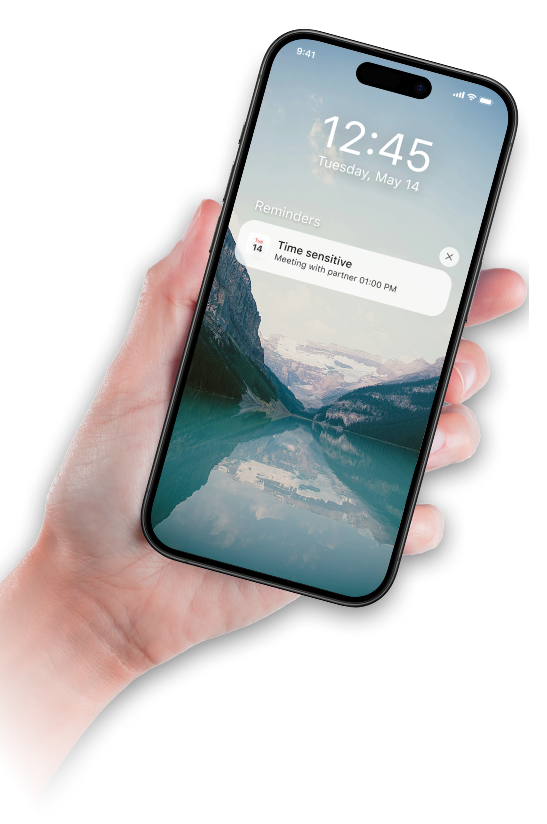

Whether you’re out for a lunch or at a meeting, Exchange ActiveSync support ensures you receive upcoming meeting notification right on time. Even if your invite changed at the last minute.


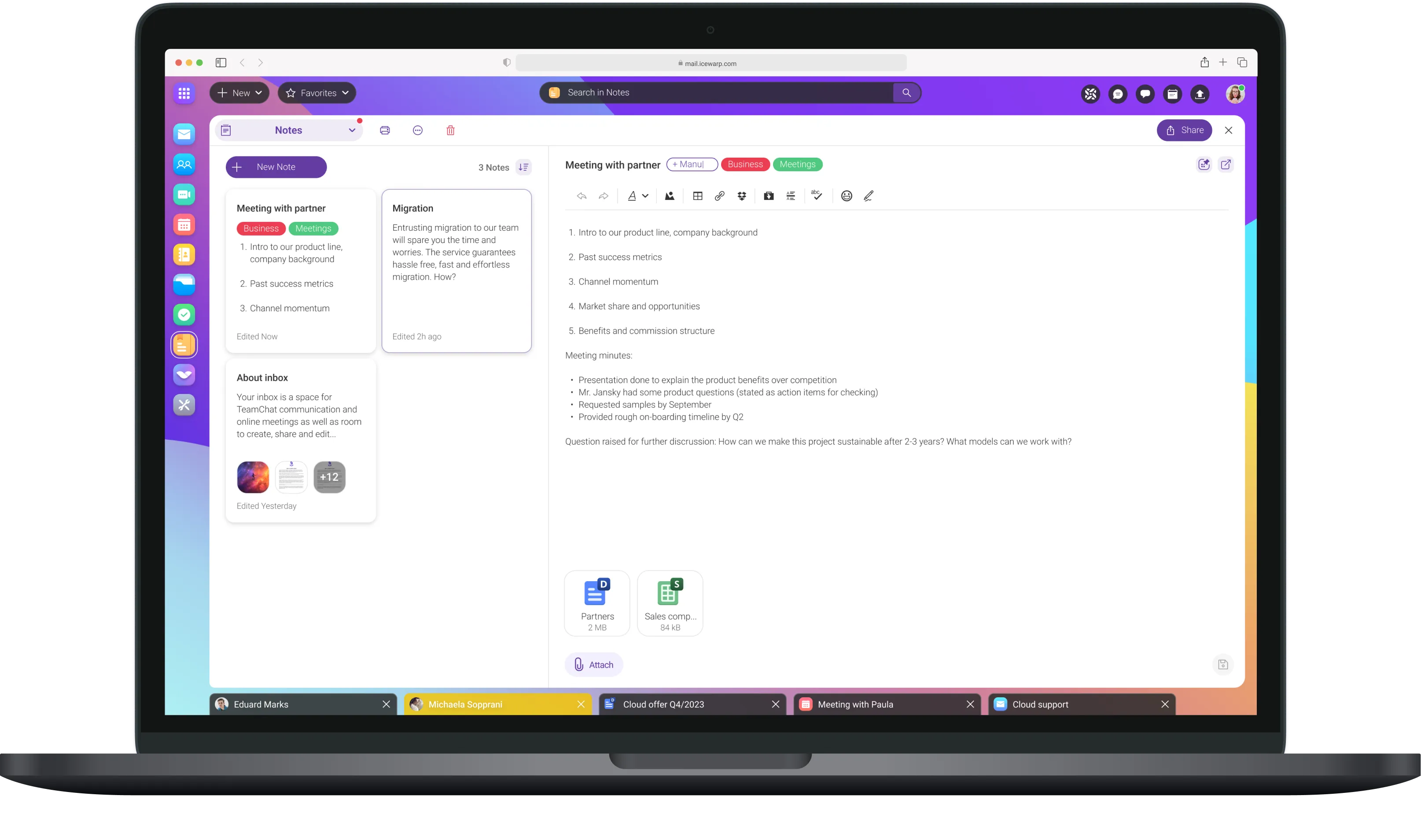
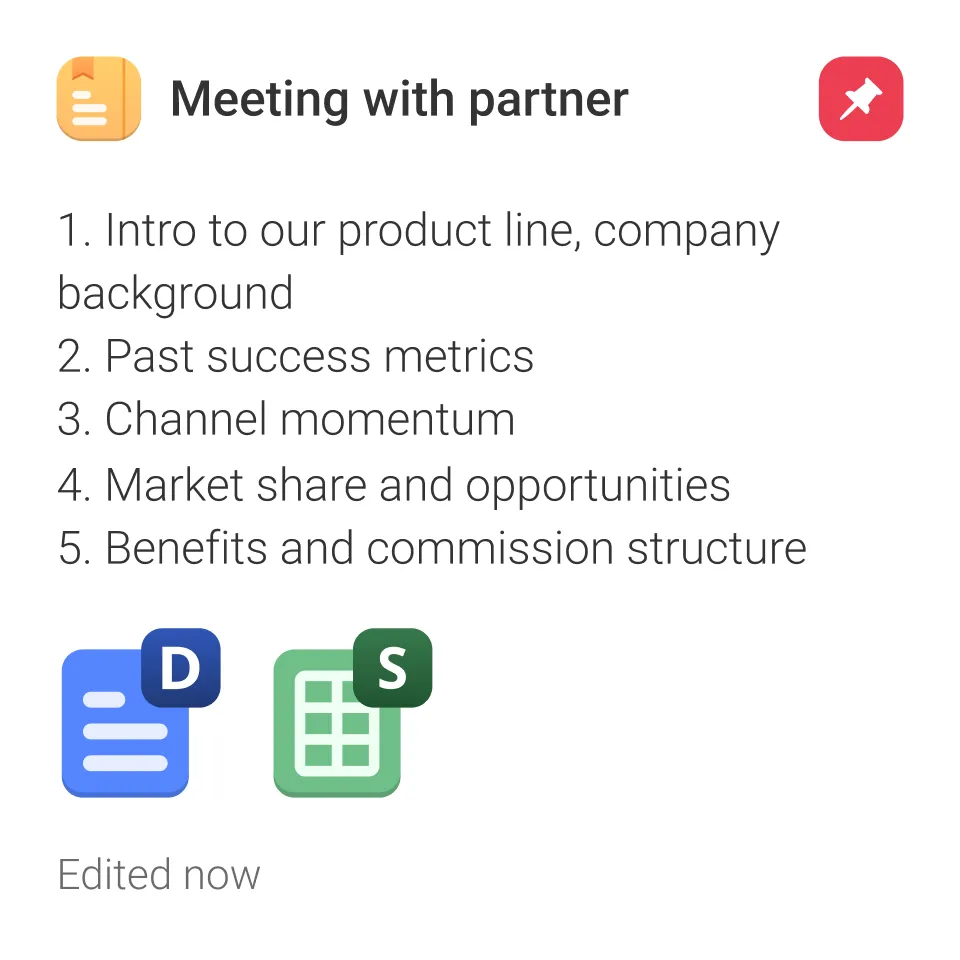
Stay organized with your notes and tasks. Edit and adjust them as needed, and pin important ones to your dashboard for easy access.



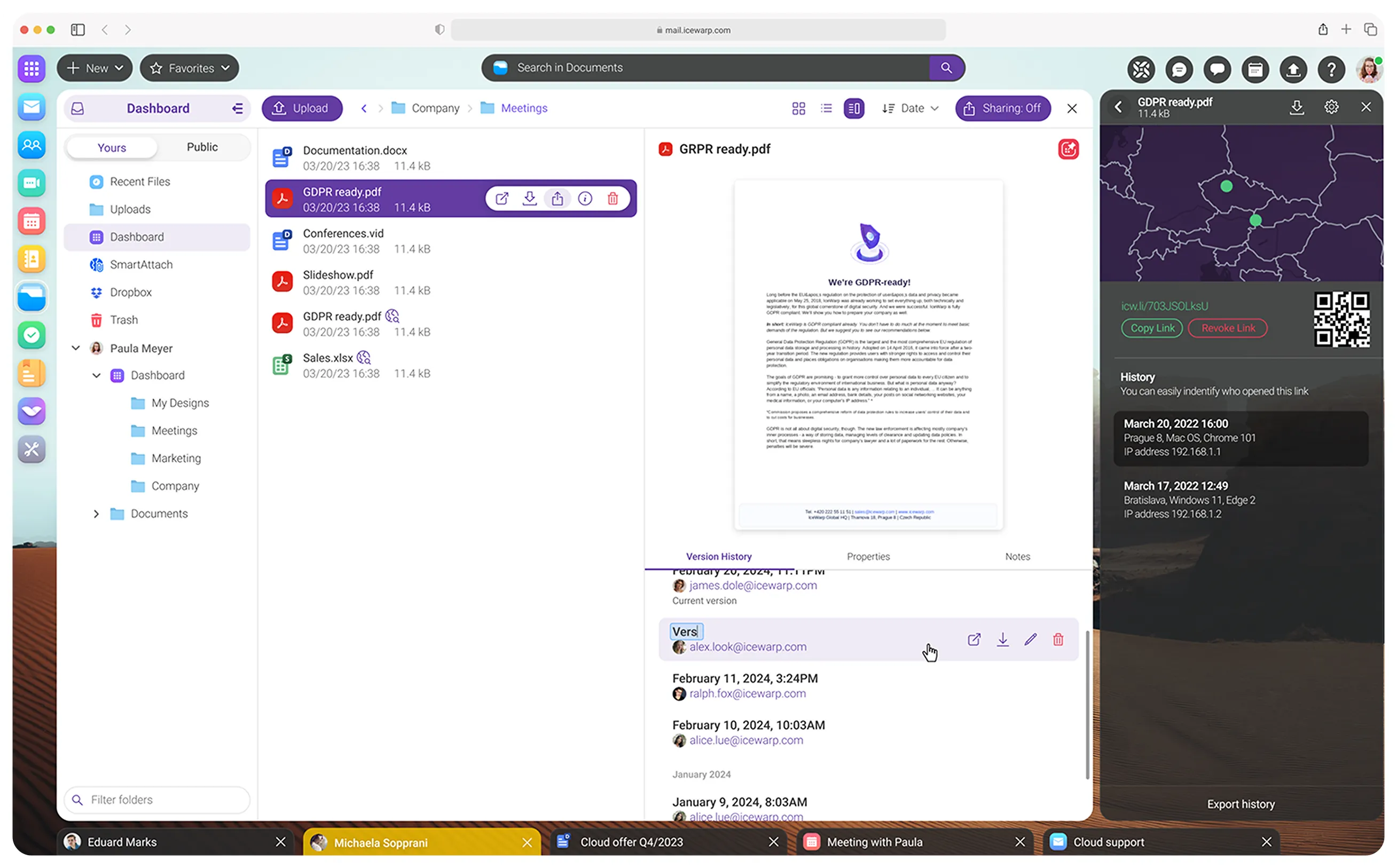
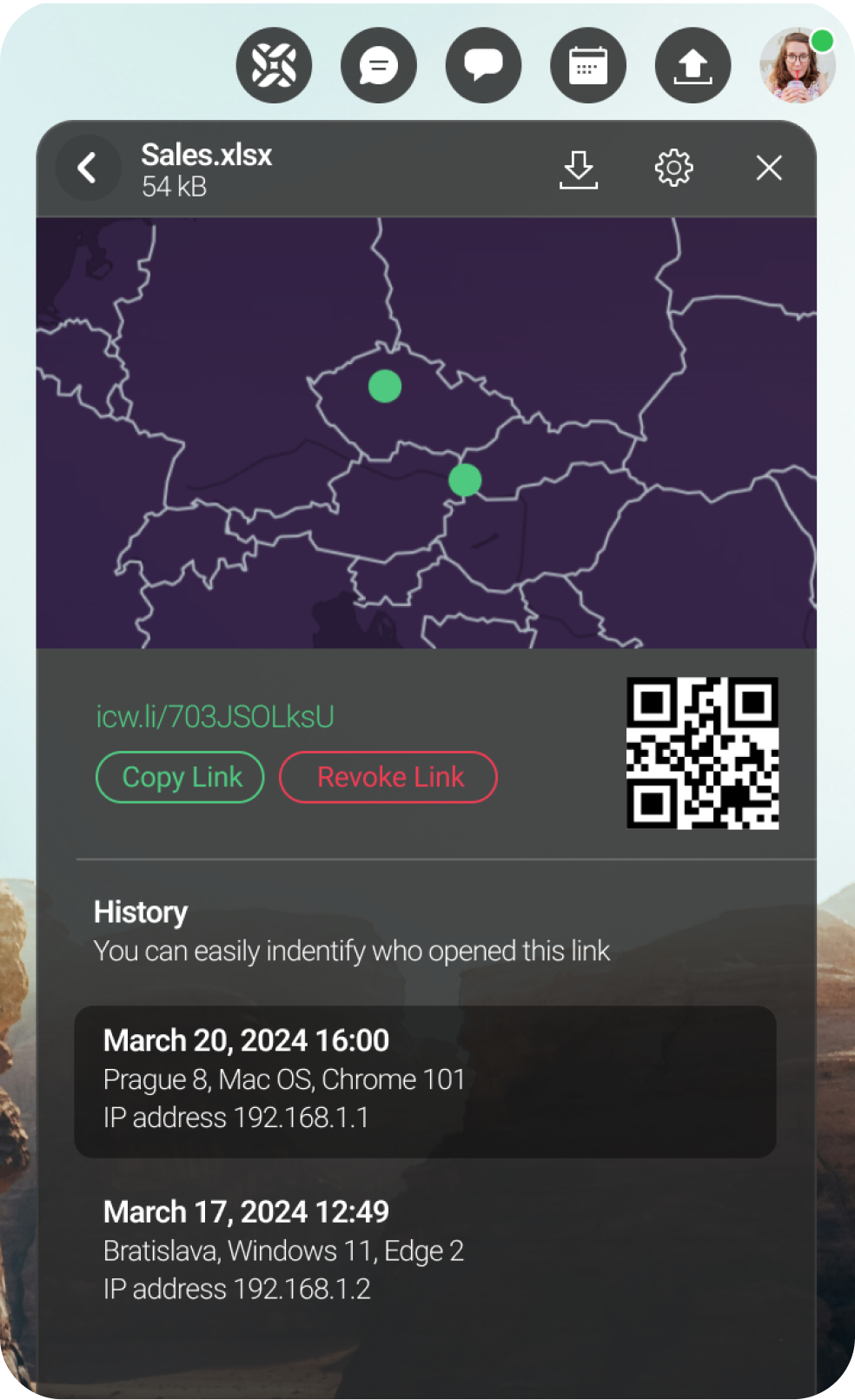
Stay in control with transparent, real-time tracking, link expiration, and password protection to ensure the privacy and security of your files

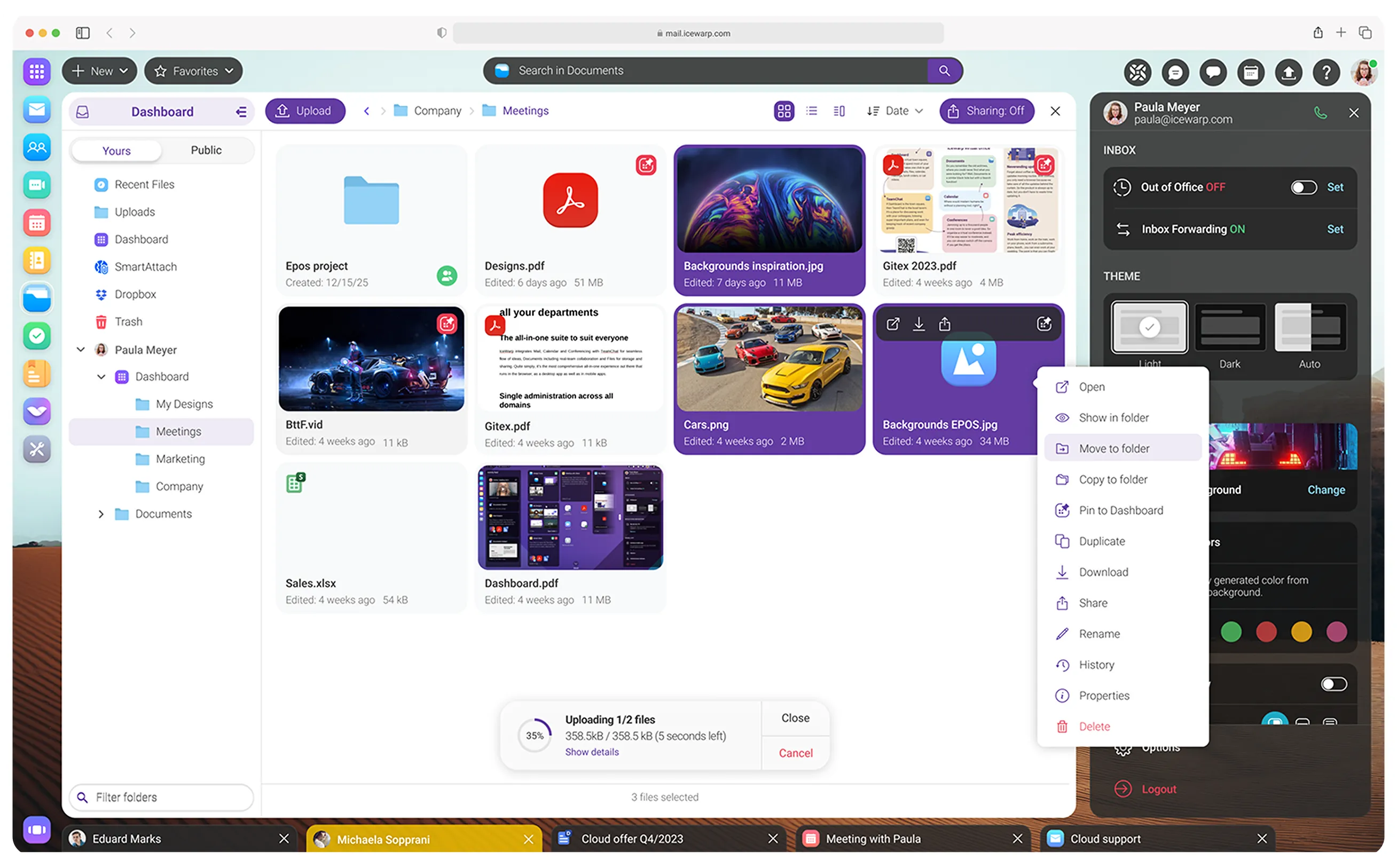

Share any files or folders—documents, spreadsheets, or presentations—via a link. Control link expiration and easily monitor activity.


See who accesses your files, including IP addresses and approximate location on the map, to ensure your data and files remain secure.